Integrating World-Class AI Movie Generation Models
 OpenAI
 Google
 ByteDance
 Alibaba
 MiniMax
 DeepSeek
 Midjourney
 KuaishouOpenAIGoogleByteDanceAlibabaMiniMaxDeepSeekMidjourneyKuaishou
Explore original short films generated with TikFilmer's AI filmmaking pipeline.
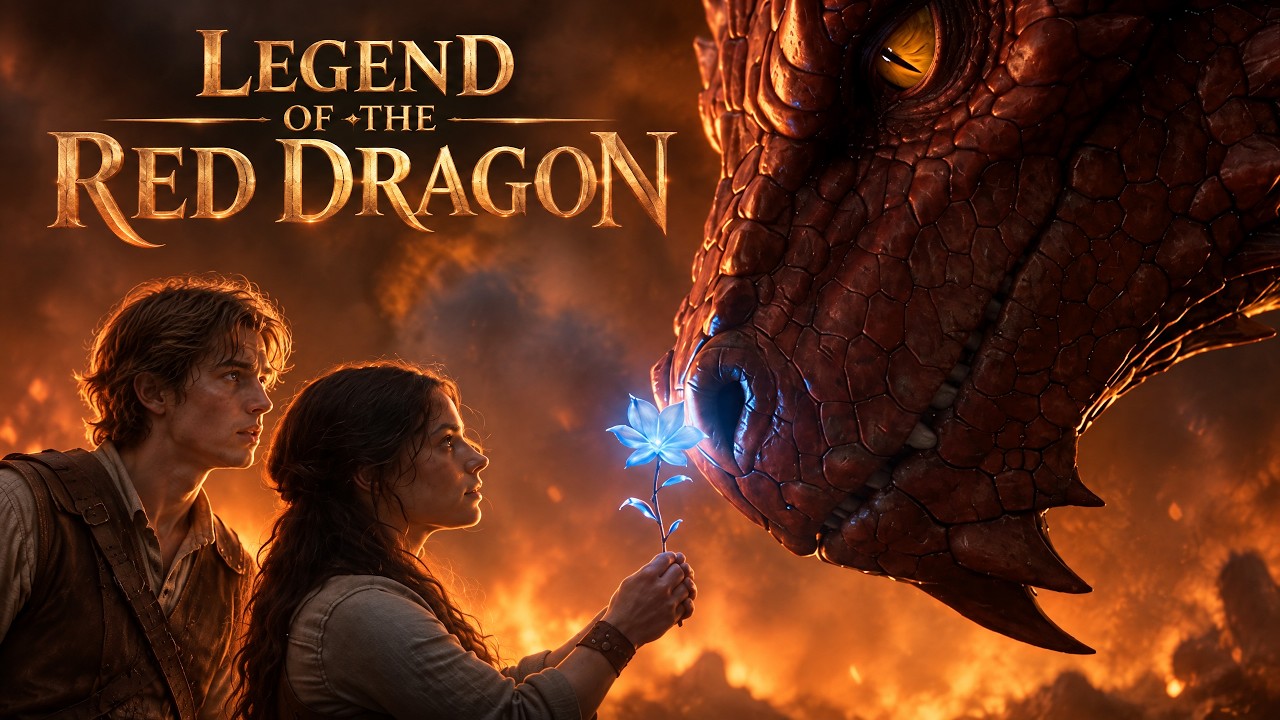
Legend of the Red Dragon | Episode 1
An ancient curse has haunted the village. To save her home, a brave girl go to find the legendary Red Dragon. The story begins.
Legend of the Red Dragon | Episode 1
2.5 min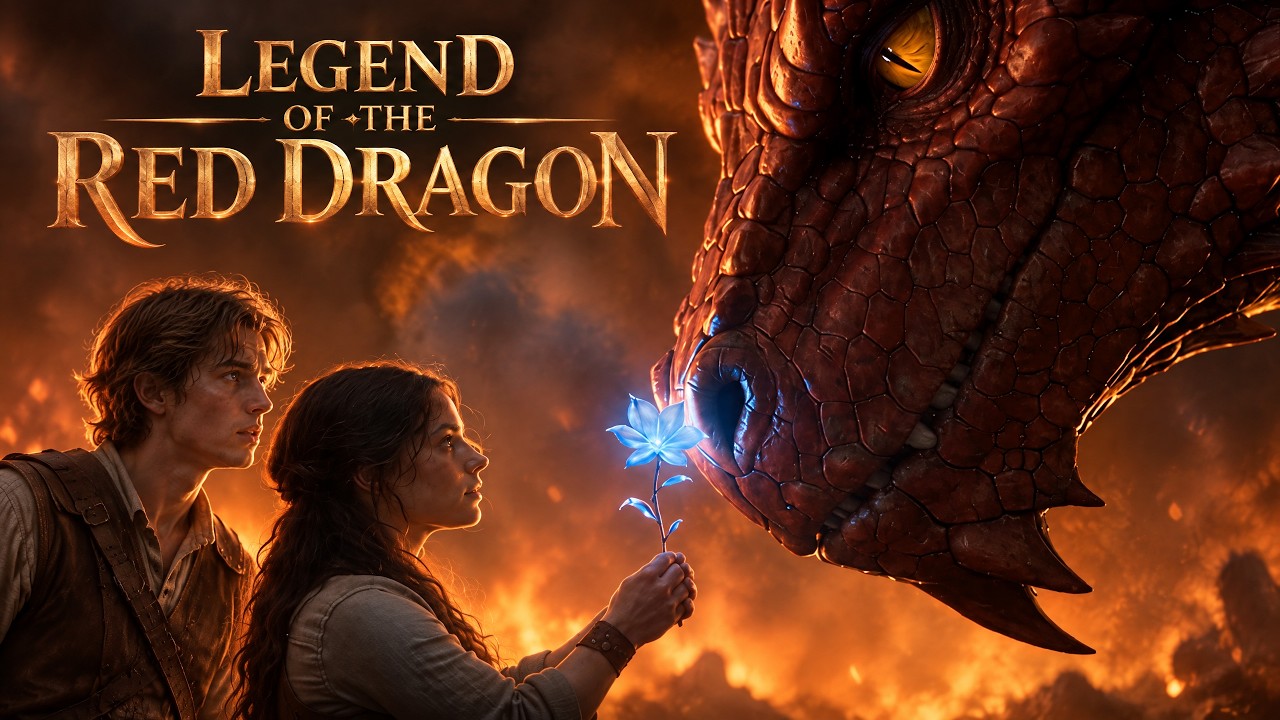
Legend of the Red Dragon | Episode 2
4.0 min🎬 Want to create your own film?
Turn your own prompts and scripts into a complete movie in minutes.
Two Ways to Start a Story to Movie
Every story to movie project in TikFilmer begins with words. Arrive with a finished story or just a premise, and the Full-Story Workflow picks up from there.
Bring Your Own Story
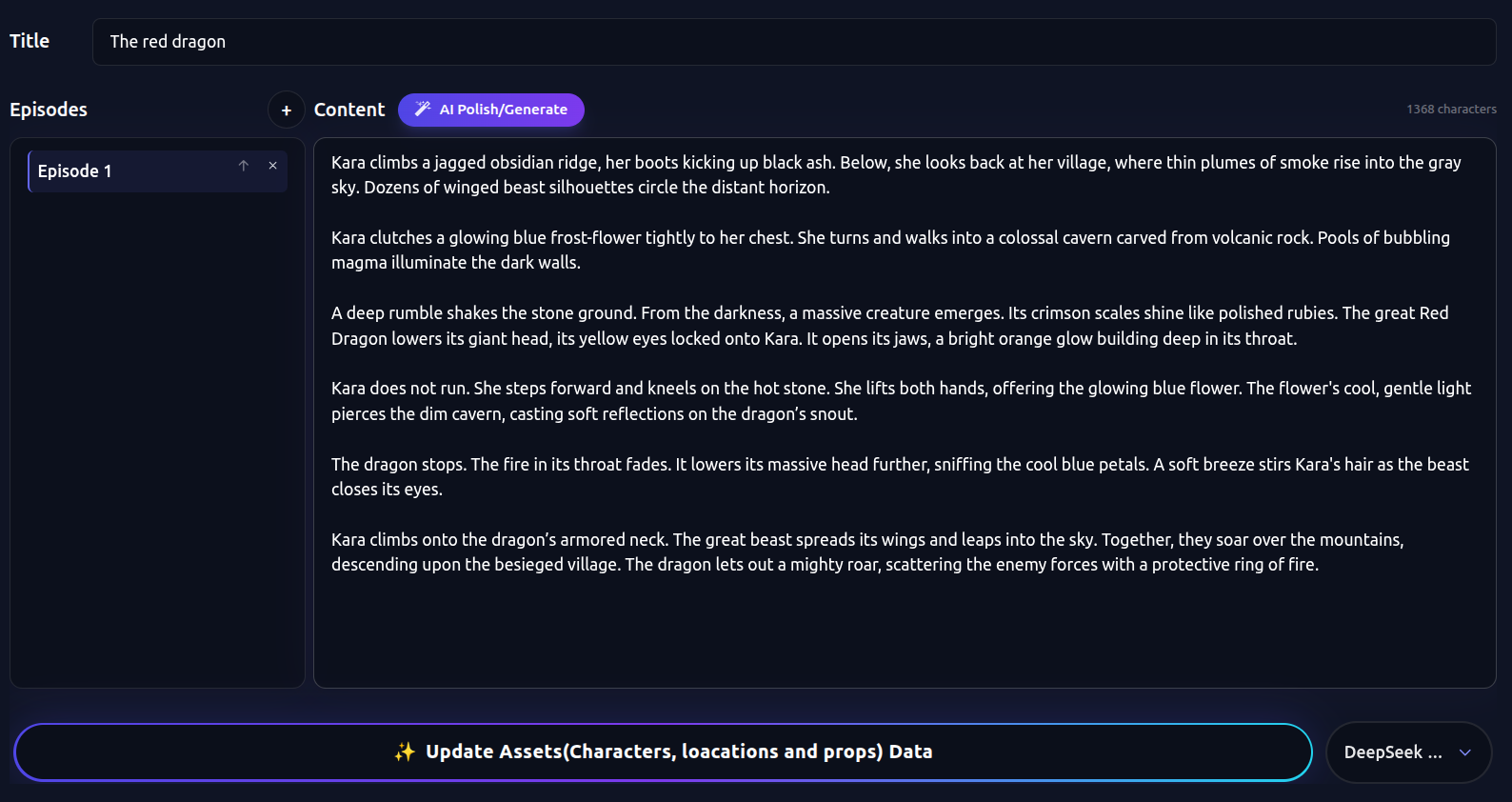
Already have a short story, a screenplay or an outline? Click Use My Story to open the Full-Story Workflow, then paste or type it into the story box. Your text is used as written, and the story to movie AI then finds the characters, locations and props to draw and proposes how to split the story into scenes.
Generate a Story with AI First
Only have a spark? Type one sentence with a genre, a character and a conflict in the input box, pick an AI scheme and click Generate. The AI writes a complete short story of about a minute and a half by default; if you want a different length, just say so in the input box. It is the fastest way to get an AI movie from story idea to screen.
Story to Movie Showcase by Quality Tier
Every film below is a complete story to movie result from the Full-Story Workflow. Switch between Basic, Film Grade and Cinema Grade to compare models, duration, resolution and credits.
Featured AI Story to Film Results
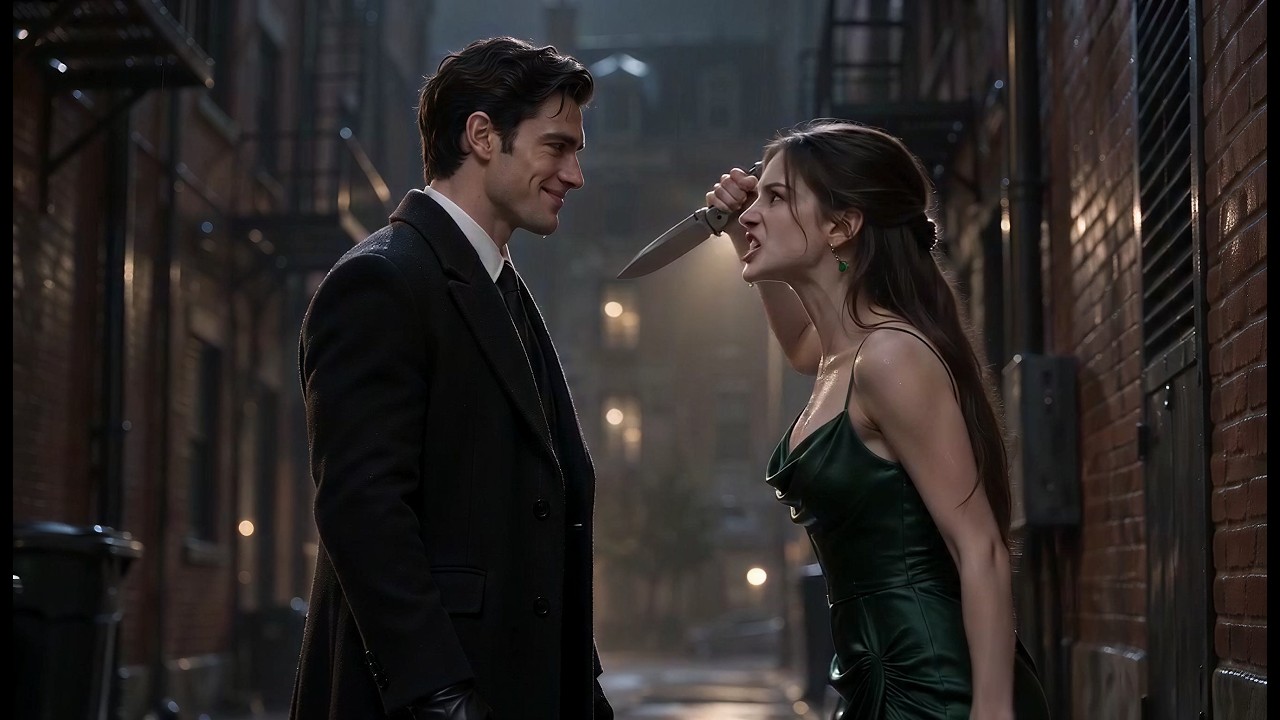
"She thought he was her captor. He was her protector. | THE MAFIA BOSS'S VOW - EP1"
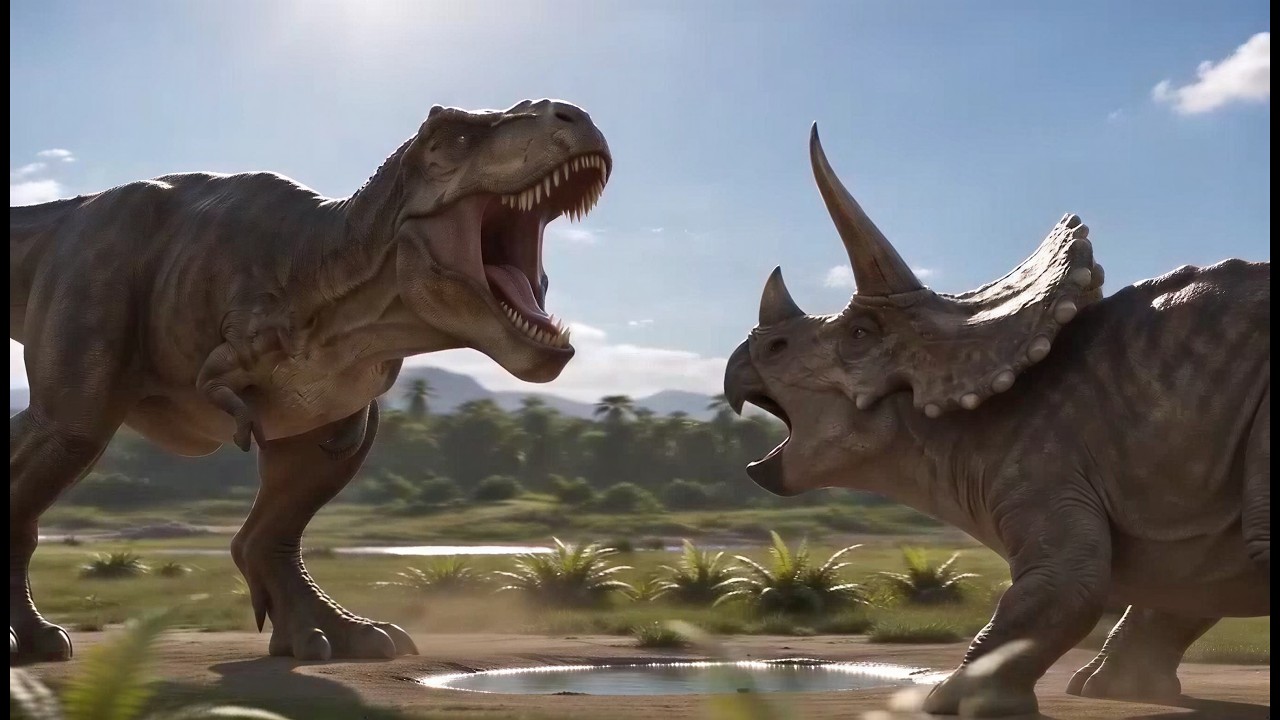
"Create an educational short video about dinosaurs for my child."
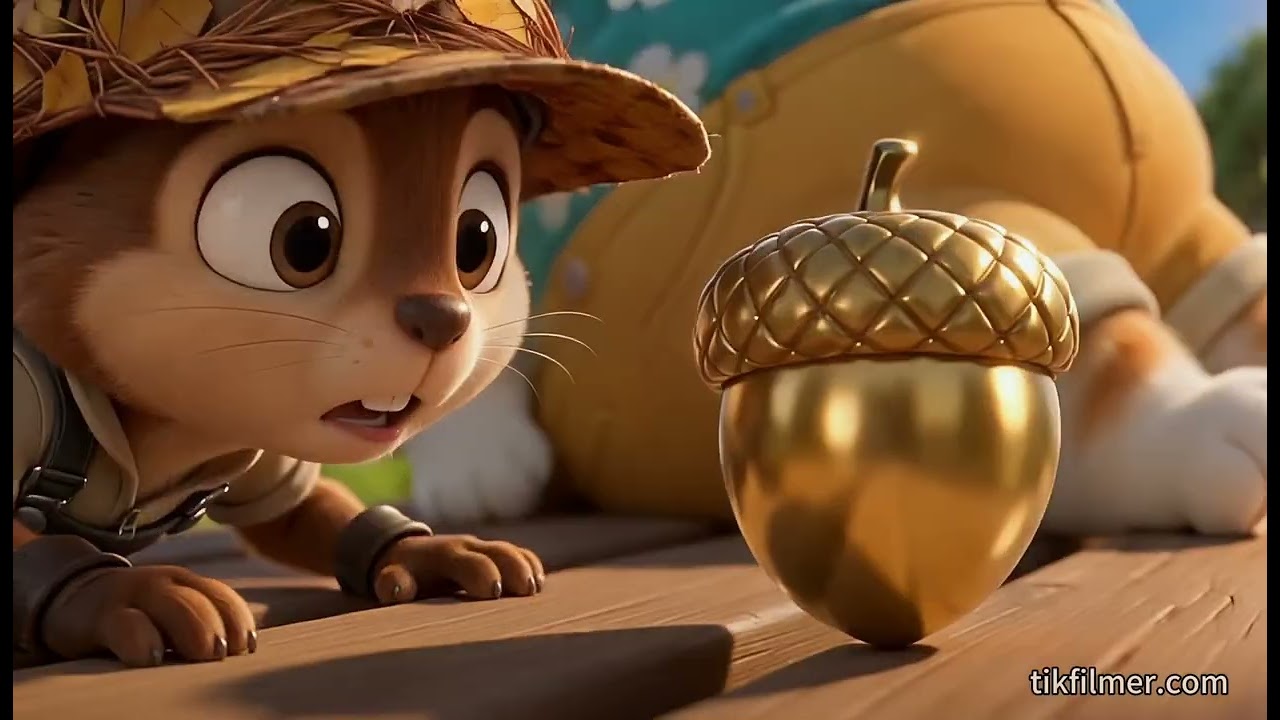
"Write an 1-minute short story about a squirrel go on a fun adventure to seek the Golden Acorn."
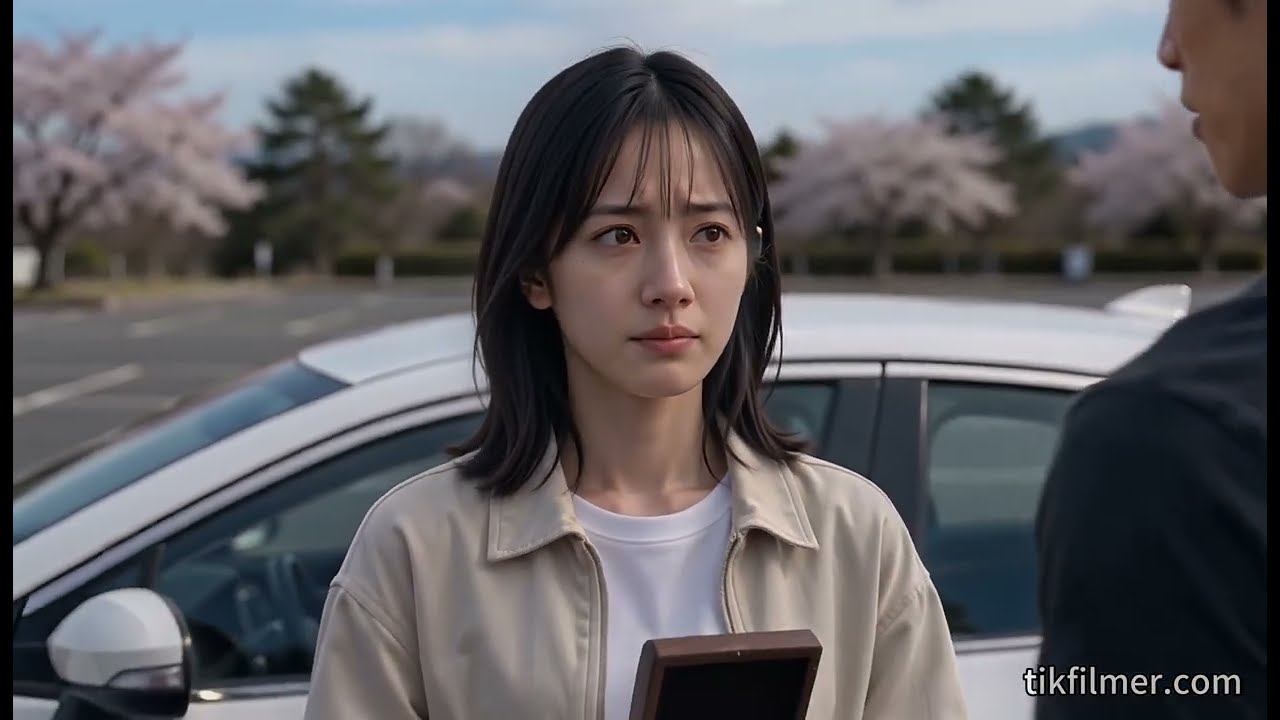
"Generate an 1-minute scene about two graduates breaking up under Mount Fuji."
How the Full-Story Workflow Works
Watch the whole process in one video: TikFilmer takes a simple story idea through story development, visual assets, shot planning, video generation, continuity and rough-cut editing. It is AI story to movie production as a series of steps you control, not a single black-box button.
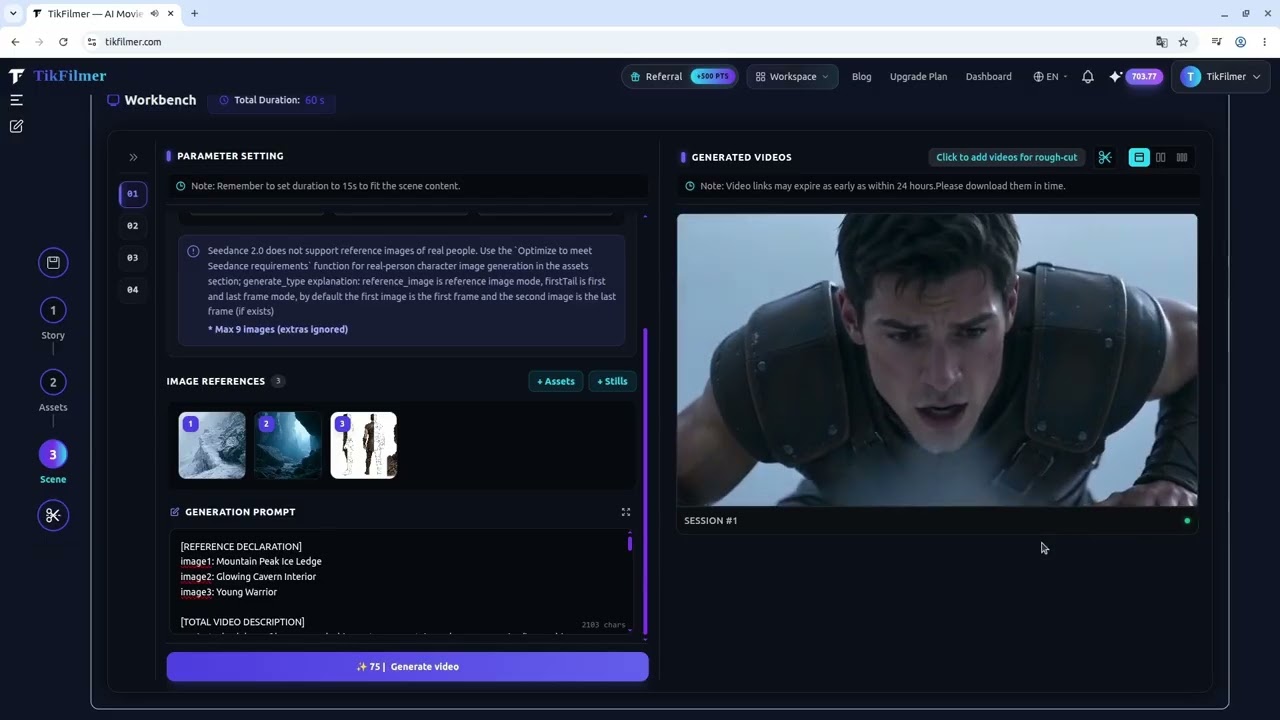
"AI filmmaking isn't just about generating better clips. It's about building a better process for turning a story into a film."
Watch on YouTubeFive Steps from Story Text to Finished Film
The story to movie pipeline has five stages. Each one hands clean, structured data to the next, which is what keeps a long story coherent once it becomes dozens of shots.
Story Generation
Generate a full script from a single sentence (about 1.5 minutes by default) or use your existing text directly. Both paths produce the same structured story that the rest of the workflow reads.
Asset Extraction & Reusable Library
The AI pulls out every character, location and prop, writes a reference prompt for each, and builds a reusable project library. Generating reference images here is what keeps faces, costumes and sets consistent later.
Director Agent Storyboarding
A director agent segments the story by plot and target duration, then writes professional storyboard prompts with shot size, camera movement and timing. You can edit any shot on the timeline and re-plan only the parts you change.
Continuous Video Generation
Each segment is rendered in high fidelity with the video model you picked, guided by your asset references and the plan's continuity notes. The result is a sequence of clips that cut together, not a pile of unrelated videos.
Rough-Cut Assembly & Multi-Export
Trim and stitch clips on a lightweight online timeline, then export a single MP4, download the raw footage, or export a Premiere Pro project file. Built-in AI upscaling lifts final shots when you need a higher resolution.
Guides Behind the Workflow
From Story to Film: Building Your Practical AI Filmmaking System
Engineering guide on transforming raw literary narrative into repeatable, scalable AI video production pipelines.
How To Build Consistency And Continuity Across AI-Generated Video Segments
Tackling visual drift and temporal motion jitter across multi-shot AI video sequences using full-process control.
Break the AI Filmmaking Bottleneck.
Reclaim Creative Freedom.
AI story to movie projects usually fail in the same places: characters drift between shots, clips don't connect, footage piles up unedited and project data gets scattered. TikFilmer fixes each pain point with a reusable asset library, continuous narrative, online rough cutting and local project storage.
Unified Reusable Asset Library
Characters and sets that change from shot to shot are the most common flaw in AI video. TikFilmer automatically extracts creative elements into a unified, reusable asset library, keeping visuals and style consistent across every generated shot.
AI Director Agent & Narrative Continuity
Separately generated clips rarely add up to a story. The intelligent Director Agent segments your script and applies professional cinematic language, so the narrative flows continuously from one video segment to the next.
Cloud Rough Cut
Downloading dozens of clips just to see the cut wastes hours. Rough cut, preview and render online, then export all raw assets with Premiere Pro project files for seamless professional post-production.
One-Click ZIP Local Archiving
Your creative assets stay yours. Import and export full project archives, including raw renders and storyboard prompts, for backup and collaboration with zero platform lock-in.
Live-Clip Studio
Reuse your characters, environments, and styles to create unified branded videos for ads, AI influencers, viral videos, and short drama clips.
Create Your Next Viral Shorts Series.
Produce consistent video series for ads, vlogs, AI influencers and viral shorts, using one centralized asset library and on-demand AI tools instead of a fixed workflow.
Creator Testimonials
Tested by short drama & film creators, solve all pain points of AI video production in one platform
“The full-story workflow has completely redefined how I direct short films. Type a single prompt to generate a cohesive movie short from end to end, maintain absolute character and scene consistency across multi-shot sequences, and orchestrate the complete timeline in minutes. It eliminates production friction entirely, letting creators build full cinematic narratives at unprecedented speed.”
Liam Vance
AI Filmmaker“It integrates all the AI models I need, no more switching between dozens of platforms. Compared with competitors, its pricing is the most cost-effective. Diverse model options plus all-in-one practical tools help me create works efficiently. All projects support local packaging storage, easy data organization with full data security.”
Producer Liu
Film Project Producer“Extracting assets from scripts and building a unified asset library solved the chaos of scattered materials across my short drama projects. Characters and scenes can be called anytime to maintain consistent visuals. Projects support package upload & download, team collaboration efficiency doubled, no more copying scattered video files manually.”
Director Zhang
Short Drama Producer | Managed 100+ Projects“The online rough cut module is extremely practical. No need to export clips locally for rough preview; sync entire PR project with one click, including all source materials and full timeline. It eliminates repetitive export & alignment work, drastically speeds up individual production.”
Director Wang
Short & Micro Drama Creator“The Upscaler fits our low-budget production workflow perfectly. Generate low-res footage in bulk first, lock rough edits, then batch upscale to 4K. Output quality meets all major short drama platform standards while cutting computing costs by half.”
Noah Wilson
Short Drama Studio FounderInputs and Outputs of the Story to Movie AI
No formatting needed: paste your story in whatever form it already has, and the AI recognises it, extracts the right assets and plans sensible segments and shots.
Inputs: Any Form of Story
A one-line idea, a few paragraphs of prose, a full short story, a screenplay with scene headings and dialogue, or a bullet-point outline all work. Add a shot idea, such as a visual style or the mood of the opening, and the planner follows it so the story to movie result reflects your intent.
Outputs: Film, Clips or a PR Project
When your story to movie project is rendered, export one finished MP4 film, download every clip separately, or take a Premiere Pro project file with the full timeline and all source media. It is an AI story to film tool built for creators: you decide how finished the output needs to be.
Everything Else Included in the Workflow
All-In-One Integrated Top AI Models
Seamlessly integrate mainstream LLM, image and video AI models in one platform for streamlined AI movie generation. We timely update AI models to keep pace with the latest technological advancements.
Complete Idea-to-Movie Workflow
Built-in director-style workflow turns any idea or story into a film: auto asset extraction, scene planning and standard movie production process for AI movie generation.
Smart Storyboard Engine & Pro Lens Prompts
Exclusive intelligent storyboard engine delivers professional cinematic lens prompts and consistent storyboard art, empowering authentic AI movie generation like a real director.
Rich Multi-Style Movie Creation
Support realistic, anime, 3D animation, ink wash painting and more styles, with new themes continuously updated for AI movie generation.
Built-In Professional Filmmaking Tools
Equipped with cinematic still generator, storyboard animatic and pro workflow tools to preview and polish works before AI movie generation.
Local Data & Privacy Protection
All your creative data is stored locally in your browser. The platform only handles account and credits management, and supports file export for permanent backup and full privacy protection.
Flexible Plans for Creators
Choose the perfect plan to supercharge your cinematic vision. Unlock unlimited rendering and advanced features today.
Pay As You Go
Flexible top-ups with non-expiring credits and no subscription commitments. (Tip: Subscription plans offer up to 22% discount and significantly higher value than top-ups!)
500 Add-on Credits
$5
1000 Add-on Credits
$10
2000 Add-on Credits
$20
Custom amount (Min 100)
Subscription Plans
Subscribe monthly or yearly for maximum discounts and recurring credit allocations — much more cost-effective than pay-as-you-go!
Free
- Access to all models
- Full-Story Workflow
- Live-Clip Studio
- Assets Manager
- Stills Generator
- Storyboard Generator
- Rough-Cut Viewer
Basic
- Enjoy 22% Purchase Discount
- Cancel at any time
- Access to all models
- Full-Story Workflow
- Live-Clip Studio
- Assets Manager
- Stills Generator
- Storyboard Generator
- Rough-Cut Viewer
- Upscaler
- Video Editor
Starter
- Enjoy 22% Purchase Discount
- Cancel at any time
- Access to all models
- Full-Story Workflow
- Live-Clip Studio
- Assets Manager
- Stills Generator
- Storyboard Generator
- Rough-Cut Viewer
- Upscaler
- Video Editor
Pro
- Enjoy 22% Purchase Discount
- Cancel at any time
- Priority support
- Access to all models
- Full-Story Workflow
- Live-Clip Studio
- Assets Manager
- Stills Generator
- Storyboard Generator
- Rough-Cut Viewer
- Upscaler
- Video Editor
Studio
- Enjoy 22% Purchase Discount
- Cancel at any time
- Top-tier support
- Access to all models
- Full-Story Workflow
- Live-Clip Studio
- Assets Manager
- Stills Generator
- Storyboard Generator
- Rough-Cut Viewer
- Upscaler
- Video Editor
Credit Type Explanation
Your main subscription plan credits. Refreshed and injected automatically every billing cycle, providing you with the most cost-effective AI model experience.
Purchased general credits. Served as a flexible supplement beyond your monthly plan, automatically activated when plan credits are exhausted.
When consuming, the system will prioritize deducting your monthly/yearly plan credits.
Secure Payment & Subscription Policy
🔒 Secure payment powered by Stripe & PayPal
All payments are securely processed by Stripe and PayPal, the world's leading payment platforms. We never store or access your card details. Trusted by millions of businesses like Amazon, Google, Shopify, and OpenAI.
Your payment information is encrypted and processed directly by Stripe's and PayPal's PCI-compliant infrastructure.
📩 Cancel Anytime
You can cancel your subscription at any time. Your plan will remain active until the end of the current billing cycle with no hidden fees or long-term commitments.
To cancel your subscription, please email: [email protected]
🔁 Auto-Renew
Unless canceled in advance, subscriptions automatically renew at the end of each billing cycle, refreshing and injecting a new round of plan credits.
💬 Refund Policy
If you experience billing issues or accidental charges, please contact us within 7 days at [email protected], and we will fairly review your situation.
📧 Plan Modifications & Support
Your trust and satisfaction are our top priorities. To upgrade, cancel your existing plan, or if you encounter any issues, please reach out to us at [email protected],and our dedicated team will assist you promptly with 100% transparent service.
AI Model Credit Pricing List
100% transparent pricing, no hidden fees. Full params open to all users, 480p-4K resolutions available
🧠 Large Language Models
| Model Name | Input / 1K tokens | Output / 1K tokens |
|---|---|---|
| ChatGPT 5.6 - Terra | 0.300 Credits | 1.800 Credits |
| Gemini 3.8 Flash | 0.225 Credits | 1.125 Credits |
| DeepSeek V4 Flash | 0.026 Credits | 0.051 Credits |
| Claude Sonnet 5 | 0.300 Credits | 1.500 Credits |
| Qwen 3.7 Max | 0.375 Credits | 1.125 Credits |
🎨 Image Models
| Model Name | Model Parameter | Price (Credits): |
|---|---|---|
| GPT-Image-2.5 | 1k-low | 4credits / image |
| 1k-medium | 6credits / image | |
| 1k-high | 16credits / image | |
| 1k-xhigh | 27credits / image | |
| 1k-max | 57credits / image | |
| 2k-low | 6credits / image | |
| 2k-medium | 9credits / image | |
| 2k-high | 25credits / image | |
| 2k-xhigh | 43credits / image | |
| 2k-max | 93credits / image | |
| 4k-low | 7credits / image | |
| 4k-medium | 13credits / image | |
| 4k-high | 43credits / image | |
| 4k-xhigh | 75credits / image | |
| 4k-max | 153credits / image | |
| Midjourney V8 | all parameters | 15credits / image |
| Nano Banana 2 | 0.5k | 11credits / image |
| 1k | 15credits / image | |
| 2k | 20credits / image | |
| 4k | 26credits / image | |
| Seedream 5.0 Pro | 1k | 7credits / image |
| 2k | 14credits / image |
🎬 Video Models
| Model Name | Model Parameter | Price (Credits): |
|---|---|---|
| Seedance 2.5 | 480p | 15credits / second |
| 720p | 35credits / second | |
| 1080p | 87credits / second | |
| Seedance 2.0 Mini | 480p | 5credits / second |
| 720p | 12credits / second | |
| Seedance 2.0 | 480p | 10credits / second |
| 720p | 23credits / second | |
| 1080p | 58credits / second | |
| 4k | 125credits / second | |
| Seedance 2.0 Fast | 480p | 8credits / second |
| 720p | 19credits / second | |
| Wan 3.0 Prime | 480P | 10credits / second |
| 720P | 20credits / second | |
| 1080P | 40credits / second | |
| Wan 3.0 | 480P | 7credits / second |
| 720P | 14credits / second | |
| 1080P | 27credits / second | |
| MiniMax H3 | 768P | 12credits / second |
| 2K | 18credits / second | |
| MiniMax H3 Max | 480P | 8credits / second |
| 768P | 12credits / second | |
| Kling O3 | std (720p) | 17credits / second |
| pro (1080p) | 26credits / second | |
| 4K | 63credits / second | |
| HappyHorse 1.1 | 720P | 20credits / second |
| 1080P | 27credits / second |
Upscaler
| Model Name | Model Parameter | Price (Credits): |
|---|---|---|
| Real-esrgan | all parameters | 1credits / second |
| SeedVR2 | 720p | 3credits / second |
| 1080p | 6credits / second | |
| 2k | 8credits / second | |
| 4k | 9credits / second |
🎞️ Video Editing Models
| Model Name | Model Parameter | Price (Credits): |
|---|---|---|
| Wan 2.7 | 720P | 27credits / second |
| 1080P | 45credits / second | |
| HappyHorse 1.0 | 720P | 40credits / second |
| 1080P | 71credits / second | |
| Seedance 2.0 Mini | 480p | 5credits / second |
| 720p | 12credits / second | |
| Seedance 2.0 | 480p | 10credits / second |
| 720p | 23credits / second | |
| 1080p | 58credits / second | |
| 4k | 125credits / second | |
| Seedance 2.0 Fast | 480p | 8credits / second |
| 720p | 19credits / second |
Story to Movie AI: Frequently Asked Questions
How do I turn a story into a movie with AI?↓
Click Use My Story and paste your story into the story box, or type an idea in the input box, pick an AI scheme and click Generate. The Full-Story Workflow then extracts assets, plans scenes with a director agent, generates video clips and assembles a rough cut you can export.
Can I use my own screenplay or outline instead of a finished story?↓
Yes. Prose, screenplays, outlines and even a single sentence are all accepted. The AI recognises the format, extracts characters, locations and props, and plans segments and shots that fit the duration you choose.
How long can my story be?↓
Generated stories default to about 1.5 minutes of screen time. If you want a different length, write it in the input box, for example "a 3-minute story". When you bring your own text, long stories are split into segments automatically and stitched back together in the rough cut.
Will my characters look the same from shot to shot?↓
That is what the asset library is for. Each character, location and prop gets a reference image that is reused across shots, and the director agent adds continuity notes between segments, so faces, outfits and sets stay consistent.
What film styles can I make?↓
Realistic, anime, 3D animation, fantasy and ink wash painting styles are built in, and you can also define your own custom style. Describe it in your story or shot idea and the asset and shot prompts follow it.
What can I export when my movie is done?↓
You can export the finished film as an MP4, download every clip and raw asset, or export a Premiere Pro project file with the full timeline. Built-in AI upscaling is available when you need a higher resolution.
Do I own the movies I make with the story to movie AI?↓
Yes. All clips, scenes and films you create are yours, available for personal creation, commercial promotion and content monetization.
Is my story kept private?↓
Yes. Apart from the data needed for your account and credits, TikFilmer does not store your creative data. Projects are saved locally on your device, and you can export a full ZIP archive at any time.
Do I need filmmaking experience to go from story to movie?↓
No. The workflow handles asset extraction, storyboarding and video generation for you, so beginners can make a cinematic short, while experienced creators can edit every shot and export to Premiere Pro.
Ready to Turn Your Story into a Movie?
Paste a story or type an idea at the top of the page, and let the AI story to movie workflow take it from words to a finished film.