AI Movie Trailer Generator
Use TikFilmer as an AI movie trailer generator for a short cut. Paste a story or a script, keep one cast, plan the shots, and export a rough cut.
Start free in TikFilmerHow this AI movie trailer generator works
The steps are the same ones the Story-to-Movie Workflow already runs. You steer the length and which moments matter.
01
Start from a story, and name the length
Paste a story or type one sentence. Generated stories default to about 1.5 minutes, so write a length such as 60 seconds if you want a trailer. Pasted text is used as written.
02
Lock the cast before any shots
TikFilmer pulls characters, locations and props out of the story, writes a reference prompt for each, and stores them in the project library. Generating those reference images is what keeps a face, a costume and a set stable when the trailer cuts between shots.
03
Plan the trailer as shots, not as one blob
The Director Agent splits the story by plot and by the duration you set, then writes storyboard prompts with shot size, camera movement and timing. You can edit a shot on the timeline and re-plan only the part you changed. Two generation modes exist: omni-reference video straight from the references, or a storyboard image first (GPT-Image) and then the video.
04
Generate, cut and export
Each segment renders with the video model you picked, using the asset references and the plan's continuity notes. Trim and stitch on the online timeline. Export one MP4, download the clips, or take a Premiere Pro project with the timeline and source media. Paid plans add the upscaler and the video editor. Export can go up to 4K.
Trailer shapes you can brief
These are ways to brief the same workflow. They are not a library of premade trailers.
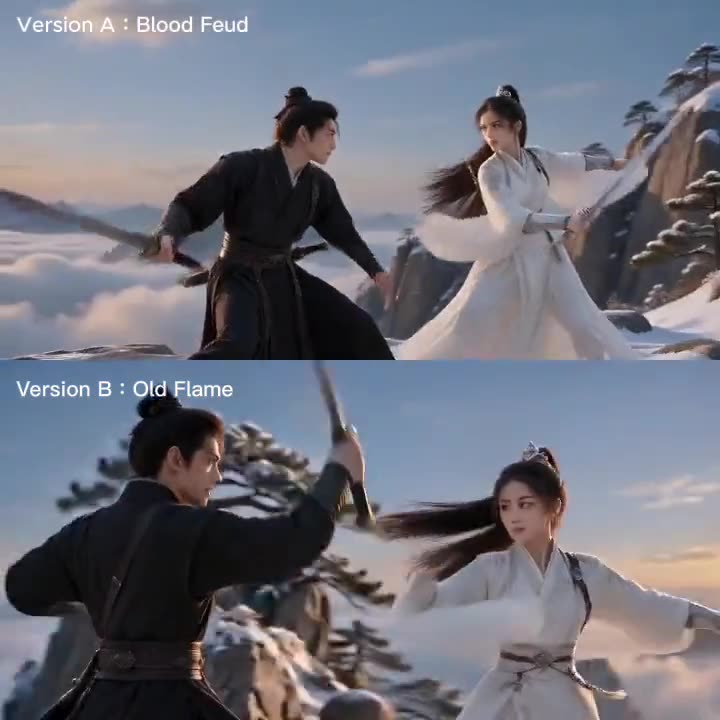
A short-film teaser
You already have a short story. Ask for a cut that shows the premise, one turn and a closing image, and leave the rest of the plot out. The asset library is what stops the lead from changing face between the opening and the button.
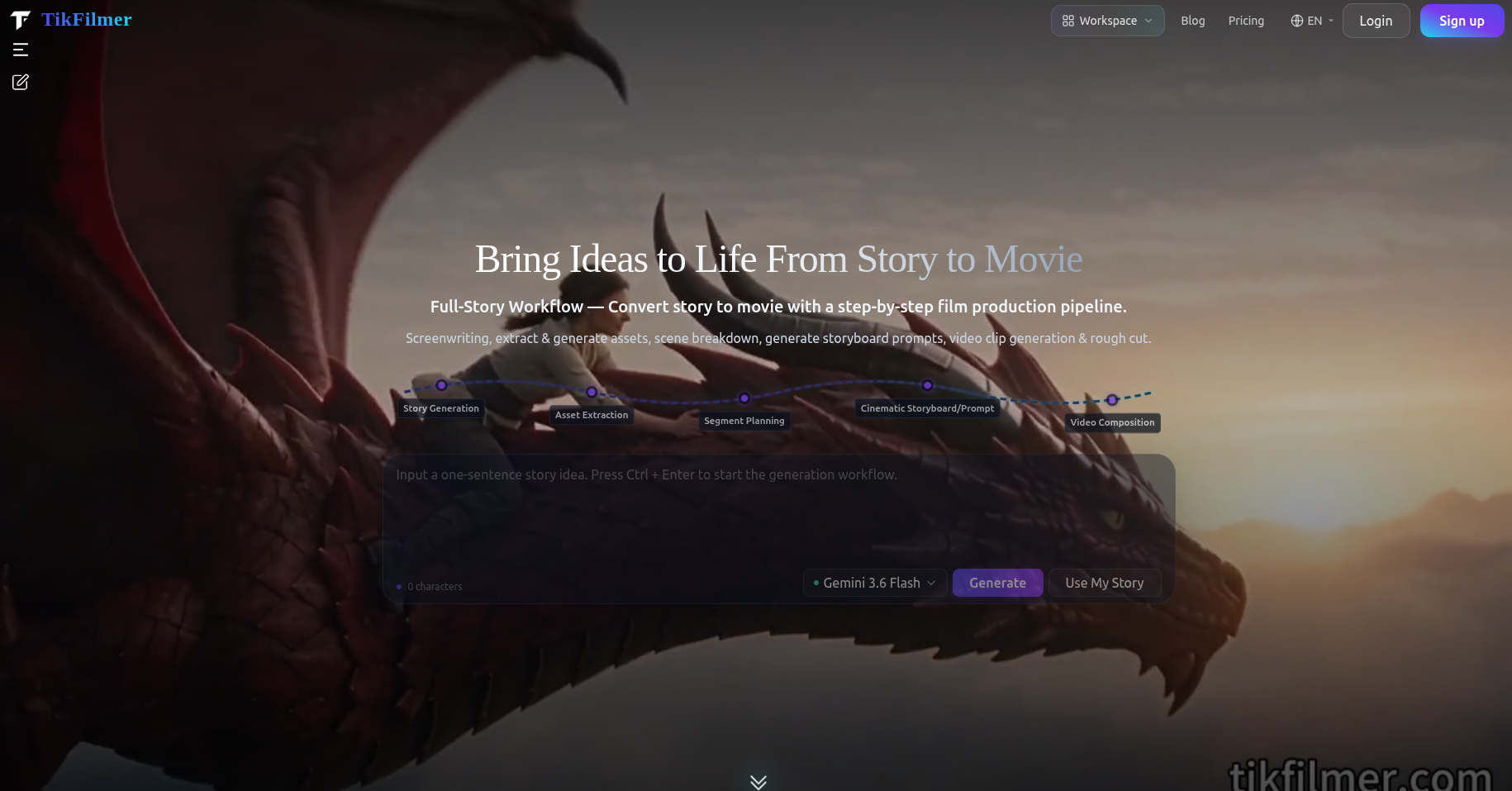
A genre piece with a fixed style
Realistic, anime, 3D, fantasy and ink wash are built-in styles, and you can describe your own. A homepage original, Legend of the Red Dragon, is a fantasy adventure made in this pipeline. The same style note is what you would put on a fantasy trailer.
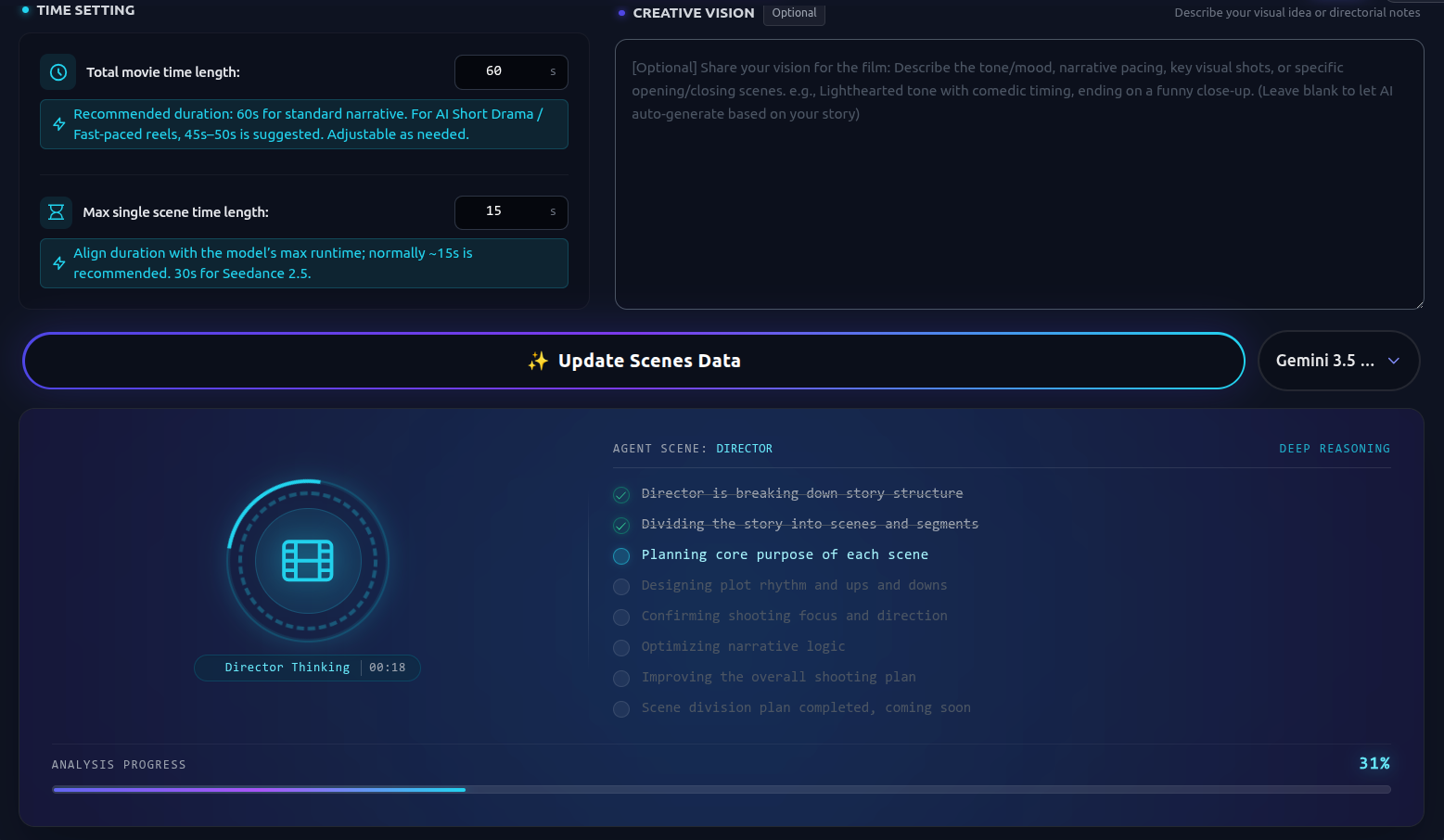
A brand spot told as a scene
A homepage example prompt is a 30-second romantic ad for a pendant brand. That is a short commercial story, not a separate ad engine. For a product trailer, name the product as a prop so it is extracted into the library and reused in each shot.
What you actually control
Only controls that exist in TikFilmer today.
One cast across the cut
Each character, location and prop keeps a reference image. The Director Agent also writes continuity notes between segments, so the trailer does not look like unrelated clips.
Shot language in the plan
Prompts include shot size, camera movement and timing. A separate Storyboard Generator can board a sequence on its own if you want frames before video.
More than one model
The pricing list shows 20+ LLM, image and video models, and every plan, including Free, can use them. You pick the model for a step instead of being locked to one house model.
A cut you can leave with
The rough-cut timeline supports transitions, subtitle effects, stickers and AI video edit. Outputs are an MP4, the raw assets, or a Premiere Pro project.
Yours to post
Clips, scenes and films you create are yours, for personal work, commercial promotion and monetization. The FAQ does not limit that to a paid plan.
The project stays local
Apart from account and credit data, creative project data is kept in your browser. You can export a ZIP archive of the project.
Trailer styles
A trailer is a style note plus a short duration, not a template gallery. Built-in looks are realistic, anime, 3D, fantasy and ink wash, or a look you describe. Set it before you generate reference images, then reuse those images. Aspect ratio is a project setting. There is no extra trailer switch.
Tips for a strong trailer
Write the runtime in the idea, such as a 60-second trailer. Otherwise a generated story defaults to about 1.5 minutes. Keep the cast small, because each person needs a reference image. Rewrite one shot without re-planning the rest. Use storyboard images before video if you want to see frames first.
A homepage showcase example is about 350 credits for one minute at 480p, about 700 for two minutes, and about 500 to reach 1080p. Paid plans add the upscaler. Then export MP4, the raw clips, or a Premiere Pro project.
What this page is not promising
There is no trailer button apart from the film workflow. You still review the story, the references and the shot plan. The site is web only, including mobile browsers, with no native app.
Free is 350 credits, issued once. Basic is $9.9/month (1,100 credits), Starter $29 (3,300), Pro $79 (9,000), Studio $239 (27,000). Yearly: $105.50, $309, $842, $2,549, up to 22% off. Pay-as-you-go is $0.01 a credit, minimum 100, and those credits do not expire. Cancel at [email protected]. Billing questions within 7 days are reviewed. Stripe and PayPal.
FAQ
Is there a separate AI movie trailer generator app?↓
No. You make the trailer in TikFilmer's story workflow. Paste a story or generate one, set a short length such as 60 seconds, then run assets, the shot plan, video and the rough cut.
Can I use my own script?↓
Yes. Prose, a screenplay, an outline or a single sentence are accepted. Pasted text is used as written. The workflow then extracts characters, locations and props.
How long can the trailer be?↓
You set the length in the idea. Generated stories default to about 1.5 minutes if you do not ask for something else. Your own text is split into segments if it is long, then joined in the rough cut.
Will the characters match from shot to shot?↓
That is the asset library. Each character, location and prop gets a reference image that later shots reuse, and the Director Agent adds continuity notes between segments.
What can I export?↓
An MP4 of the cut, the separate clips and raw assets, or a Premiere Pro project with the timeline. Paid plans include the upscaler and the video editor. Export resolution goes up to 4K.
Do I own the trailer, and is there a free plan?↓
You own the clips and the film, including commercial use, on every plan including Free. Free includes 350 credits, issued once. Paid plans start at Basic, $9.9 a month.
Related
How to Make an AI Movie: A Workflow
How I built a practical workflow for turning a story into a coherent AI short film
Ready to cut a trailer from your story?
Open TikFilmer, name a short runtime, and run the same story workflow down to a rough cut.
Start free in TikFilmer