A Cinematic AI Film Workflow: From Story Beats to Shot Plans

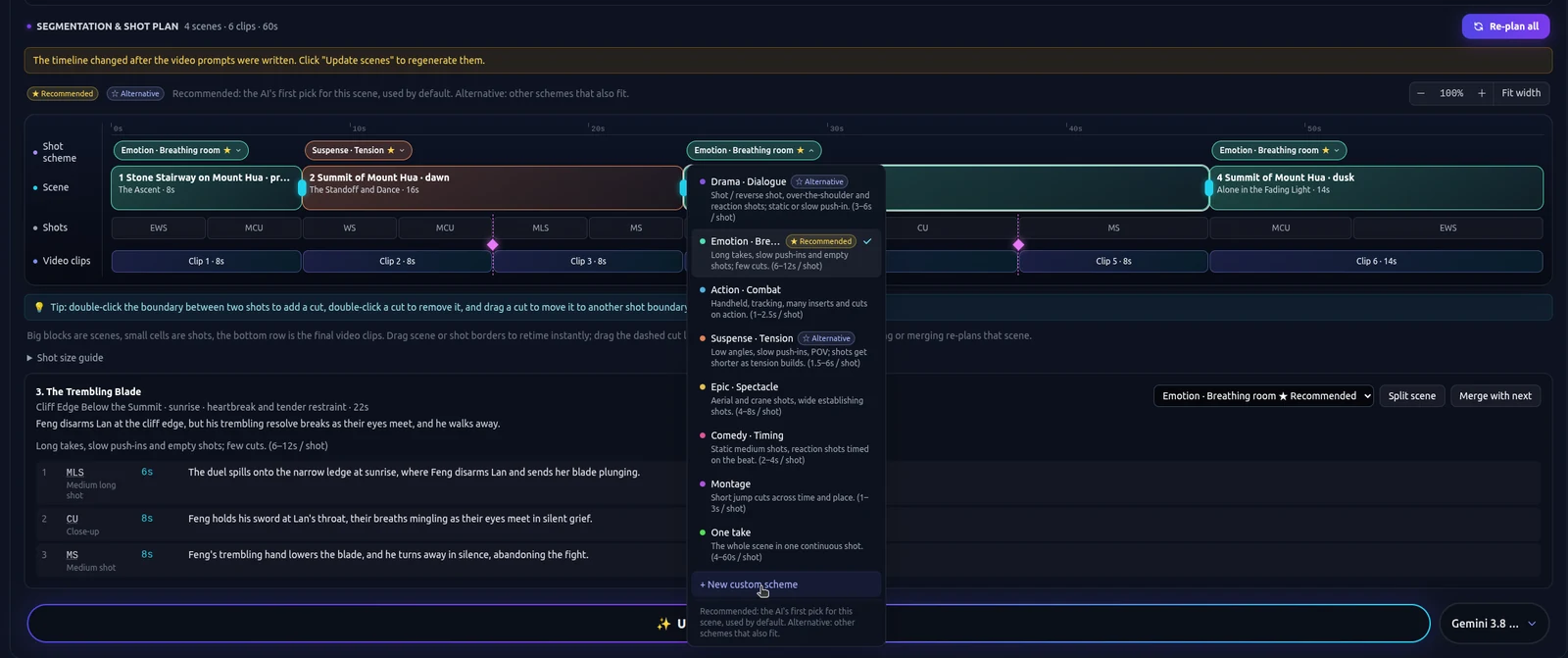
A cinematic AI film workflow is a plan for rhythm. Coverage, a held shot, a cut that arrives because the story turned. A single handsome frame is a still. This page is for someone who already knows the pipeline and wants the film to change speed.
If you still need the order of work from the first sentence to a rough cut, start with how to make an AI movie. That guide is the beginner path. This one assumes the story exists and asks how the shots should behave. The product path is story to movie on TikFilmer, an AI film maker.
What cinematic means for an AI short
Cinematic, on a short you will actually cut, means the audience can feel where they are in the scene. An establishing view, a closer view when the line matters, a shot that is allowed to stay. It also means some shots are not the hero. Coverage exists so the edit can choose.
Pretty frames without that structure produce a reel. Every shot asks for the same attention, so none of them can release. The fix is in the plan: name the beat that should move and the beat that should hold, before any model spends a credit on another angle of the same mood.
Camera movement is one ingredient. A tool built around moves can be the right place for a single scene. Higgsfield's published camera controls are that kind of tool, and the comparison is on the Higgsfield alternative page. A short with several beats still needs the rhythm decided per beat. A move does not replace that decision.
From story beats to narrative segments
Write the beats as changes, not as locations. "She crosses the station" is a move. "She sees him" is a hold. "The doors close" is a cut. Those three sentences are three segments even if they share one platform. A model that prefers equal lengths will glue them together unless you split them first.
Paste the script, or the prose, and edit the proposed split until it matches those turns. Pasted text is used as written. Scene headings are useful boundaries. A long scene can still break at the turn inside it. Merge two lines that are one beat, or the cut will invent a pause you did not write.
A family occasion is a different reader and a different page: turn a family story into a movie. The beat method is the same. The material is personal, and the first cut should stay small.
A shot plan for each segment
Give the tense segment a plan that cuts. Give the breathing segment a plan that holds. In TikFilmer those choices have names, including Dialogue, Action, Suspense, Epic, Comedy, Montage, One take and Breathing room, or a custom scheme. The names are the decision. Tense and breathing room are not a second row of buttons.
Coverage belongs on the segment that will be argued over in the edit. The crossing can carry more than one angle. The look should not. If every segment gets the same plan, the film will feel like one shot repeated with new wallpaper.
Frames come after the plan. The walkthrough is script to storyboard. Watch the frames in order before you render the video. If you cannot tell the crossing from the doors, change the plan. Another render of the same plan will look busier and feel the same.
Generate, then refine the plan you meant
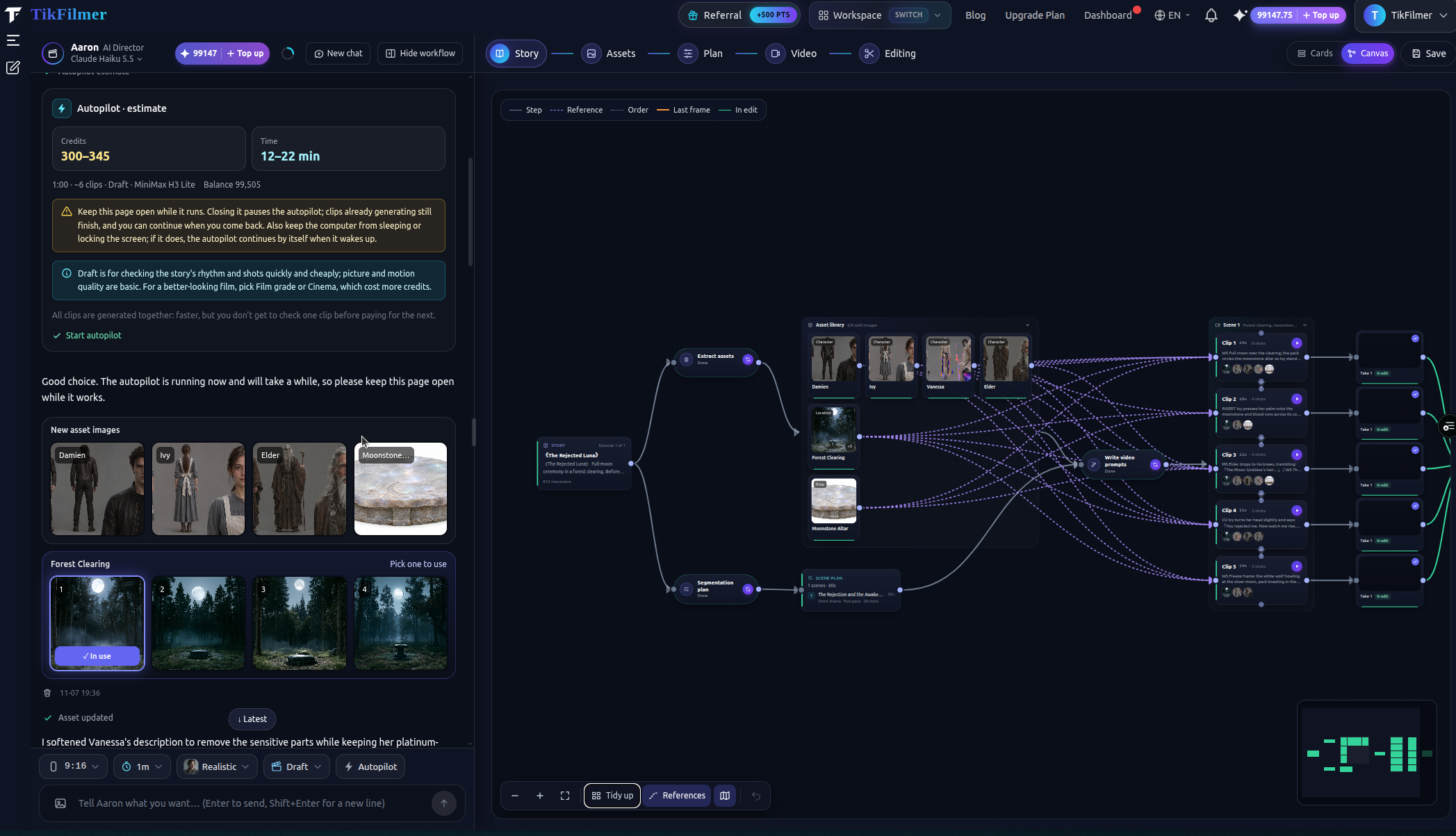
Generate after the segments disagree with each other in the way you wanted. Autopilot is the full pass: Fully automatic, an estimate of credits and time, then story, assets, shot plan, video and a rough cut, with a budget gate on the paid steps. Keep the page open. Use it when the beats and the plans are already chosen. Autopilot follows that plan. It will not invent a change of pace you left out.
Cards are the step-by-step editor when you want to approve one segment before the next credit. Canvas is the same project as a graph: which asset feeds which shot, which clip is still waiting. Double-click a node to edit it as a card. Use Canvas when you need to see that the held beat is still tied to the tense one.
The choice between those controls is Autopilot and Canvas.
Continuity, the upscaler, and the edit
Reference images for people, rooms and props are what later shots reuse. They raise the chance that a face recurs. They do not guarantee it, and they do not guarantee a voice. If a face drifts, fix the reference. The method is consistency and continuity across segments.
The upscaler and the video editor are available after you have a clip you are keeping. Upscale the held shot you believe in. Edit so the cut confirms the plan: the look stays, the doors cut. Upscaling a segment that should have been Breathing room only makes the wrong rhythm sharper. Autopilot does not run the upscaler for you.
New accounts start with 350 free credits, issued once. On this workflow, spend them proving that two neighboring segments feel different. A whole coverage pass of a feature-length idea will not fit.
Paste the beats and run the workflow, or open the homepage if Autopilot is the next decision.
FAQ
How is this different from a beginner how-to?
How to make an AI movie is the order of work: words, assets, a shot plan, clips, a rough cut. This page assumes that order and focuses on rhythm: beats, coverage, and a different shot plan for a tense segment than for one that should hold.
What should a cinematic shot plan change?
The pacing of each narrative segment. A segment that moves can take a plan that cuts. A segment that should breathe can take Breathing room. The same plan on every segment is why a short feels like one mood repeated.
Does Autopilot make a film cinematic?
Autopilot runs an estimate-first full pass through a rough cut. It follows the story and the shot plan it is given. Choose the change of pace before you confirm the estimate.
Will the look stay consistent across shots?
Reference images are reused across shots. That helps a face recur. It does not guarantee a face or a voice will match in every shot. Fix a drift on the reference or on that segment.
Where do the upscaler and the free credits fit?
New accounts start with 350 free credits, issued once. The upscaler and the video editor are separate tools you use after a clip is worth keeping. They do not repair a shot plan that never changed pace.
More articles
View all articles →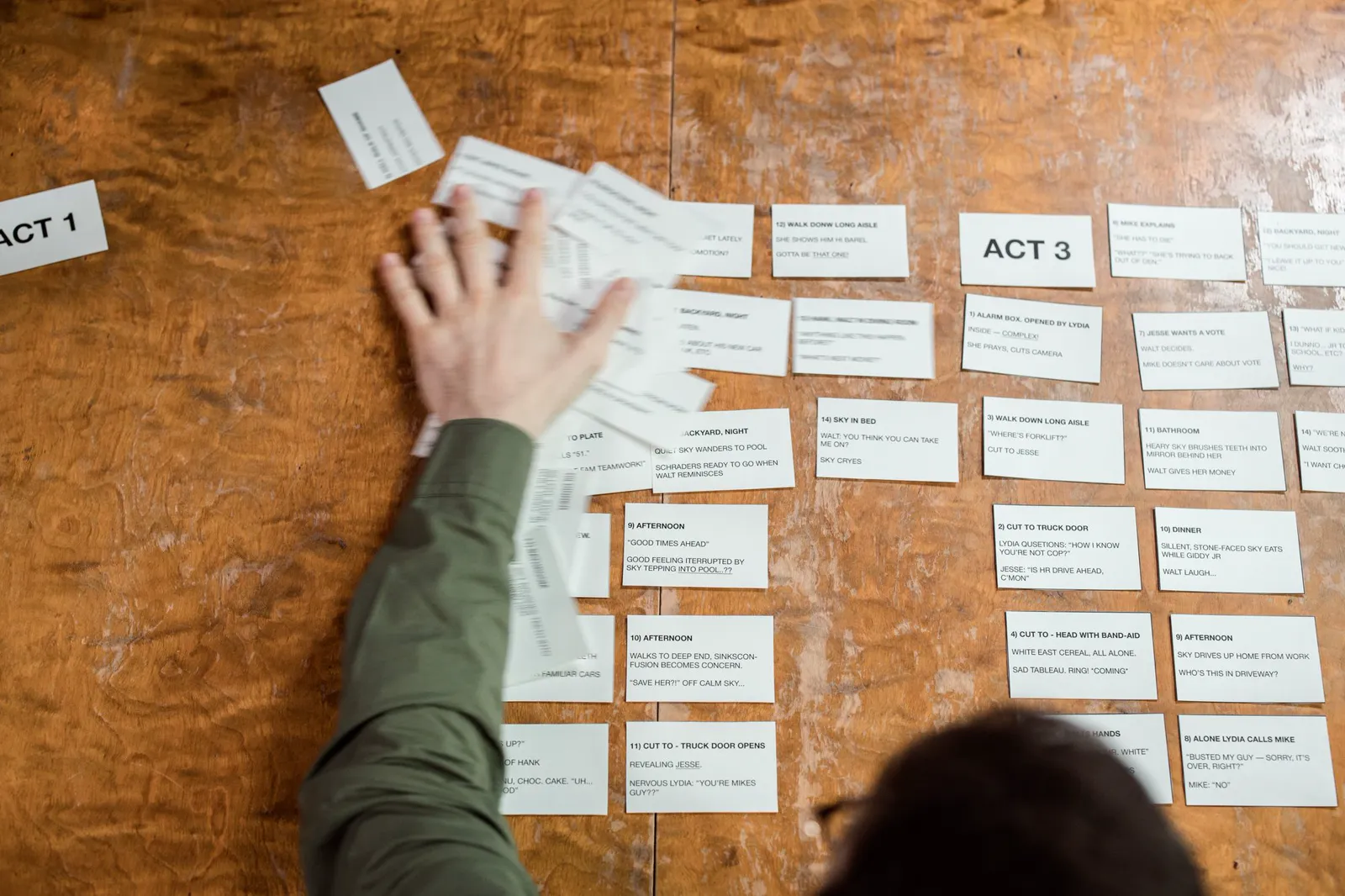
Make a Movie with AI
A first film with AI: start from a story or one sentence, keep the cast from drifting, give neighboring scenes different pacing, then reach a rough cut with Autopilot or Cards and Canvas.
Turn a Family Story Into a Movie With AI
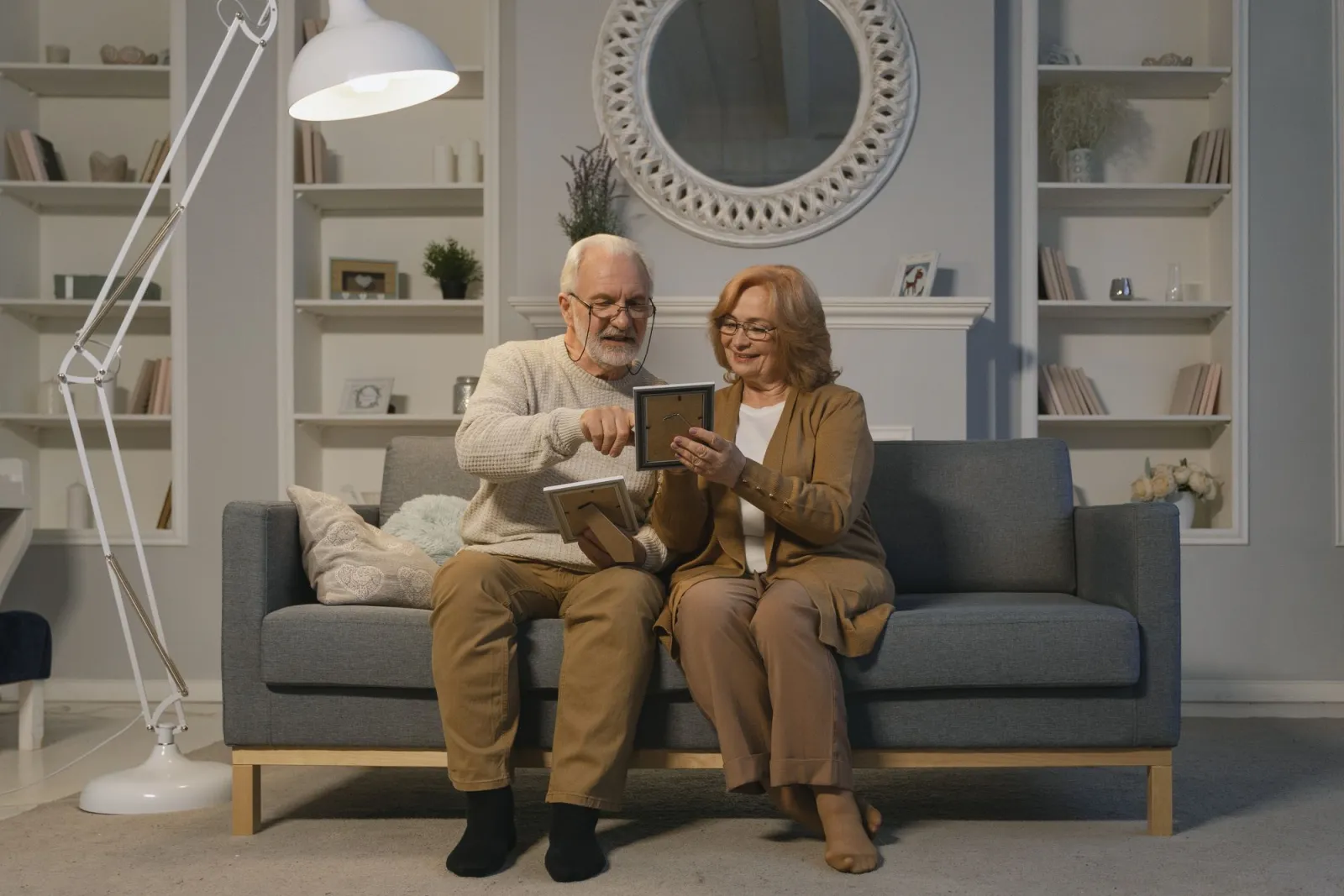
A birthday, an anniversary, or a short memoir: paste the words, plan the beats, then take a first cut with Autopilot or repair one beat in Cards and Canvas.
How to Make an AI Movie
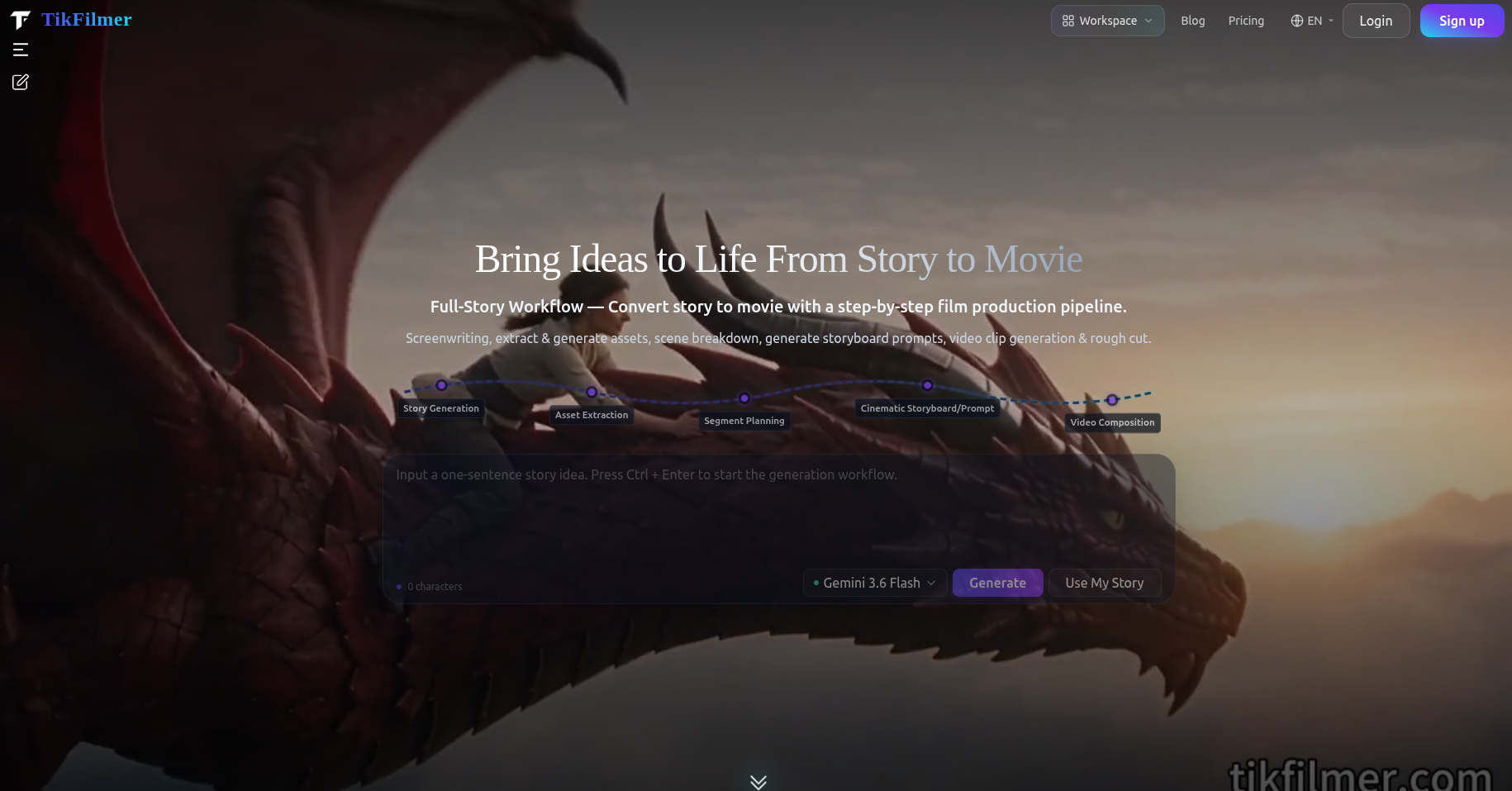
The order of work for an AI movie: a story you paste or draft, assets, a shot plan, clips and a rough cut, plus when Autopilot or Cards and Canvas is the better way through it.
Autopilot and Canvas in an AI Film Maker Workflow
When to let Fully automatic run an estimate-first pass, when to stay step by step, and when Cards or Canvas makes the same project easier to read.