Higgsfield Alternative for Story-Led Short Films
Higgsfield is built around the camera and a finished scene. TikFilmer is built around a story you split into segments, with a shot plan you choose for each one. This page is that comparison, dated 2026-11-08, from public pages only.
Start free in TikFilmer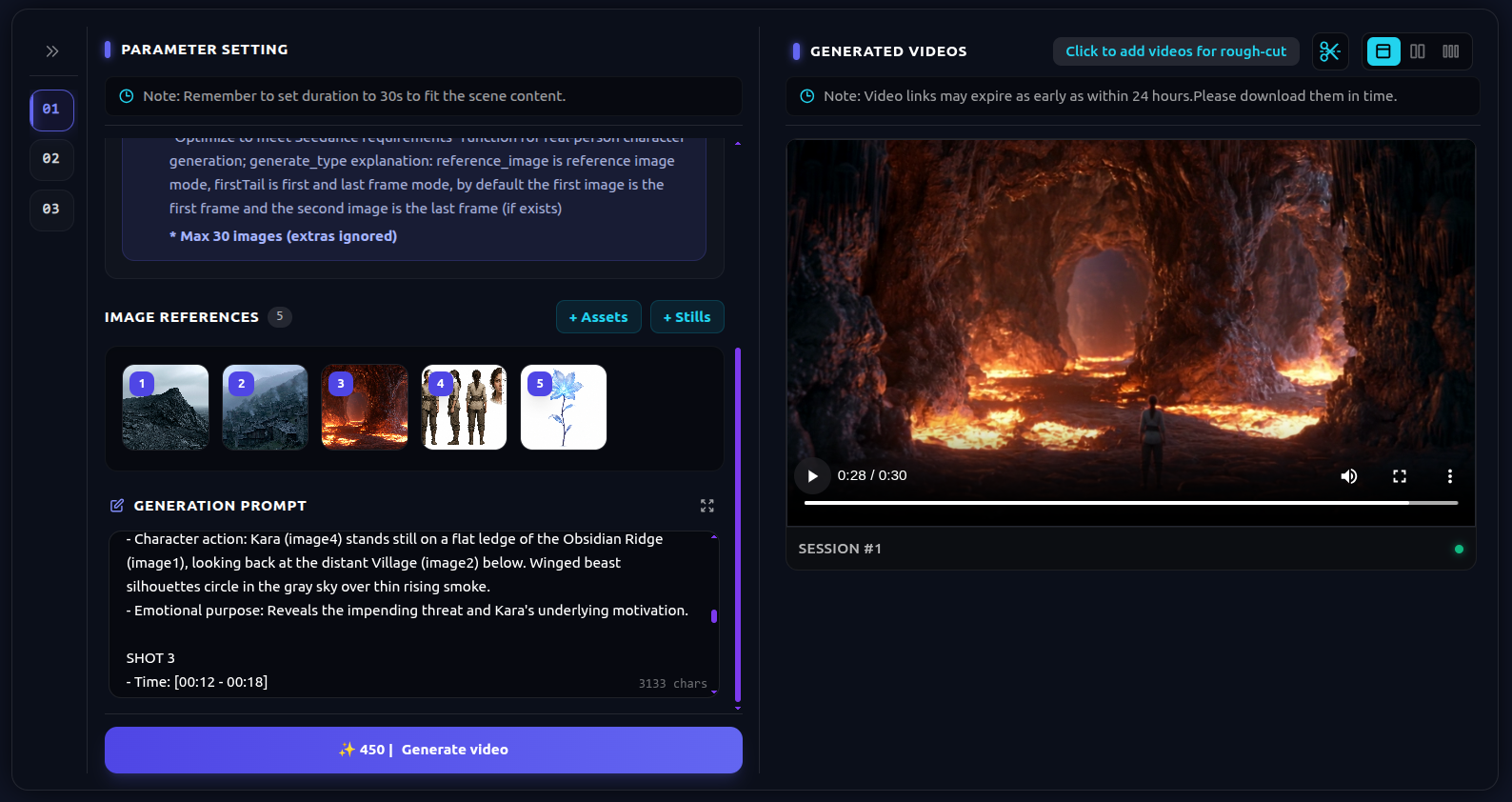
What Higgsfield is strong at
Higgsfield facts below are from higgsfield.ai/cinematic-video-generator and higgsfield.ai/camera-controls, as of 2026-11-08. They can change.
01
A library of camera moves
The camera controls page is a catalog of named moves: Dolly In, Crane Up, Handheld, 360 Orbit, Bullet Time, FPV Drone, Crash Zoom, Whip Pan, and others. Cinema Studio says you can type a move as a # tag or pick it from the library, and stack several per shot so they run in order.
02
Genre, camera, tempo, cast, one panel
Cinema Studio 4.0's own FAQ calls it a full film production inside one agent. You set genre, camera, pacing and cast from one panel and get a finished, edited scene rather than a raw clip. Genres listed on the page: General, Action, Epic, Drama, Comedy, Horror.
03
Montage Pacing, already assembled
Montage Pacing is Chaotic, Dynamic, Calm or Single Shot. The FAQ says the scene arrives already assembled, with cuts, rhythm and flow built in, and with no timeline and no post. Generations are described as up to one minute, native 4K.
04
Cast, models, and a team in the project
AI Cast is described as holding identity, wardrobe and presence across scenes and angles. Seedance and other video models run inside the studio, picked per shot. Mr. Higgs can break a script into shots. The page also describes live co-directing: invite a team, share elements, and generate together.
Where story structure and pacing matter
A camera move solves a shot. A story solves the next five minutes. These are different jobs.
One scene, strongly directed
If the problem is how this shot should move, Higgsfield's camera library and a pacing preset match the pages they publish. TikFilmer is the wrong tool for someone who wants a single move and a scene that arrives already cut.
Several beats that must not share a tempo
A chase and the quiet after it are not one preset. TikFilmer splits the story into narrative segments and lets you put a different shot scheme on each. Montage Pacing, on the Higgsfield page, is one rhythm for the scene.
A script you already wrote
Paste the screenplay. TikFilmer uses that text as written, proposes the segments, and keeps reference images for the cast. Higgsfield's assistant can break a script into shots. The public pages we reviewed do not describe per-segment shot schemes such as Breathing room.
Segment-level shot plans on TikFilmer
The difference this page will claim is the plan, not a score for image quality.
Split by the story, then choose the plan
The Director Agent breaks the story into scenes by time and place. Each scene takes one of eight shot schemes (Dialogue, Breathing room, Action, Suspense, Epic, Comedy, Montage, One take), the recommended pick, or a custom scheme.
Same people, different time
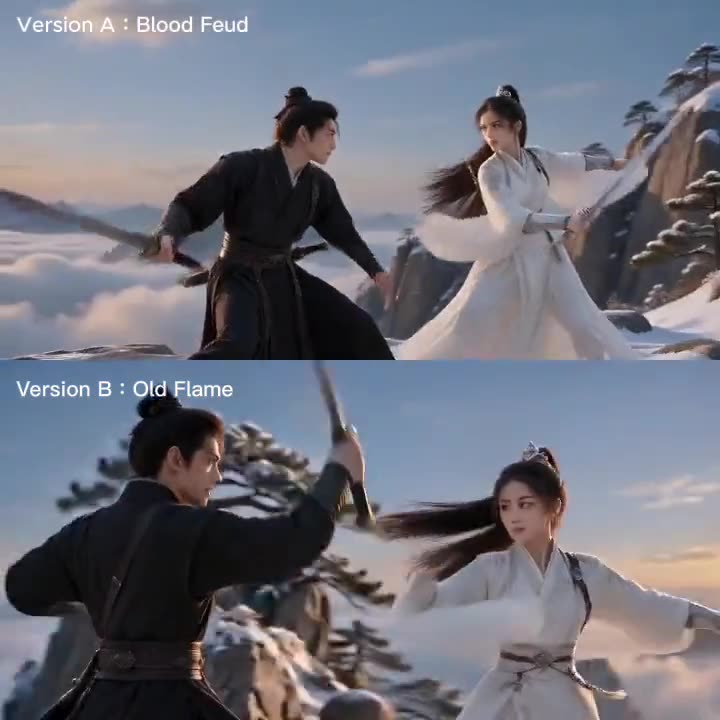
Change the scheme and the coverage changes. A published TikFilmer note shows one wuxia fight paced two ways from the same characters and script. The link is under Related.
Look at the graph, or let Autopilot run
Cards and Canvas are the same project: cards for one step, Canvas for the stages, asset links and takes. Double-click a node to edit it as a card. Autopilot can run the pass after you confirm a credit and time estimate. It pauses on the budget you approved. It does not upscale the film for you.
Finish in the editor you still have
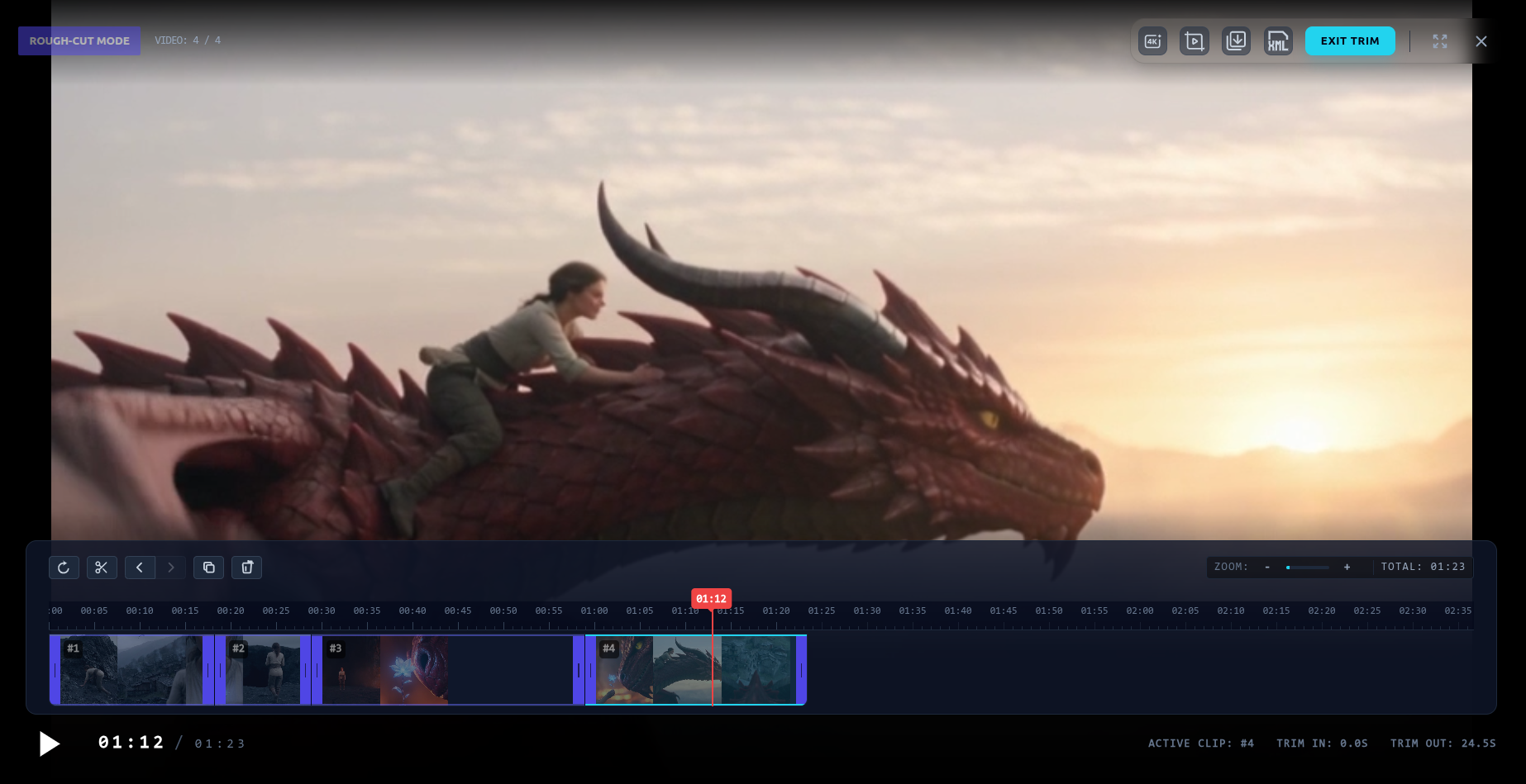
The rough cut, the upscaler and the video editor are available, including on Free. Export an MP4, the clips, or a Premiere Pro project, up to 4K.
Paste your own script, and start with 350 free credits
Paste a story or a screenplay, or start from one sentence. Pasted text is used as written. A generated story defaults to about 1.5 minutes unless you name another length.
New accounts start with 350 free credits, issued once. Before a paid step, the cost is shown. Paid plans start at Basic, $9.9 a month. Use the free credits to see whether the segments are right before you spend them on coverage.
When to stay with Higgsfield
Stay when the job is the camera. The move library, genre, a Montage Pacing preset, and a scene that arrives without a timeline match what Cinema Studio publishes. Stay when you want live co-directing in one project. TikFilmer has no live seats. The handoff is a ZIP.
Stay when you specifically want the generation length and sharpness their FAQ states: up to one minute, described as native 4K. This page does not retest that claim. Their site also lists other tools, including a storyboard generator and a long-video generator. Those pages were not the source for this comparison. Read them before you decide a longer film is outside Higgsfield.
Come to TikFilmer when the film is several beats, you want a shot plan on each one, and you want to paste a script and edit the cut yourself.
TikFilmer vs Higgsfield at a glance
TikFilmer cells are product facts. Higgsfield cells are quoted from the public pages reviewed on 2026-11-08. No figures were invented to fill a cell.
| Topic | TikFilmer | Higgsfield |
|---|---|---|
| Who it is for | A creator taking a story or a script through segments, a shot plan, clips and a rough cut. | Someone directing a cinematic scene: genre, camera, tempo and cast from one panel (Cinema Studio 4.0 FAQ). |
| Starting point | One sentence, or paste your own story or screenplay. Pasted text is used as written. | A scene description. Mr. Higgs can also break a script into shots (Cinema Studio page). |
| Camera and effects | Shot size, camera movement and timing inside the shot plan. Not a catalog of named effect presets. | Named moves on the camera controls page, including dolly, crane, handheld, orbit, bullet time and FPV. Stack several per shot. |
| Narrative pacing | Story split into segments. One of 8 shot schemes, or a custom one, per segment. Cuts on shot boundaries. Editable timeline. | Montage Pacing: Chaotic, Dynamic, Calm or Single Shot. The FAQ says the scene arrives assembled, with no timeline and no post. |
| Workflow | Story, assets, shot plan, video, rough cut. Autopilot can run that pass after an estimate. Cards or Canvas show the same project. | Set genre, camera, pacing and cast. Receive a finished, edited scene rather than a raw clip (their FAQ). |
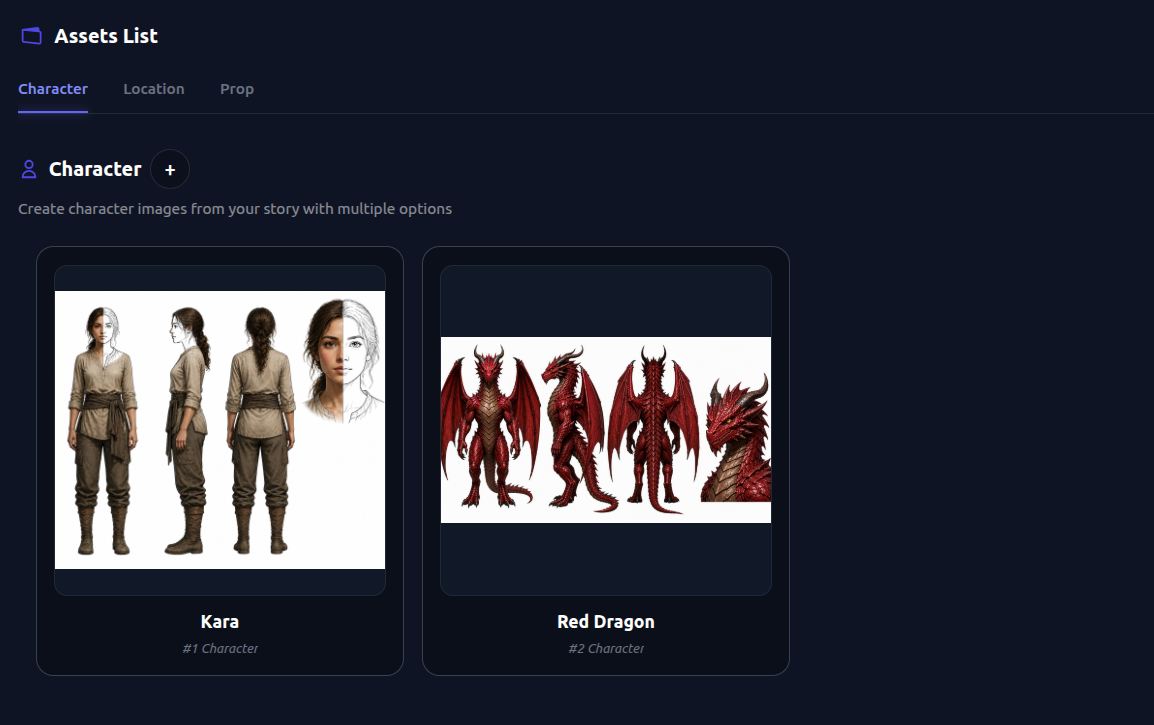
| Consistency | Reference images for characters, locations and props, reused across shots, plus continuity notes between segments. | AI Cast: identity, wardrobe and presence across scenes and angles. Locations described the same way (their FAQ). |
| Models | 20+ models on every plan, including Free. You pick the model for a step. The pricing list includes Seedance, Kling, Wan, MiniMax, GPT-Image and Midjourney. | Seedance and other leading video models inside Cinema Studio, picked per shot (their FAQ). This table does not invent the rest of the list. |
| Length and resolution | You set the length. Generated stories default to about 1.5 minutes. Segments join in the rough cut. Export up to 4K. The upscaler is available. | Up to one minute per generation, described as native 4K, on the Cinema Studio FAQ. This page does not retest that. |
| Edit and export | Rough cut with transitions, subtitle effects, stickers and AI video edit. The upscaler and the video editor are available. MP4, raw assets, or Premiere Pro. | Montage Pacing is described as no timeline and no post. A separate video-editing feature is linked from the site nav. This comparison does not review that page. |
| Collaboration | No live multi-user editing and no member seats. Export a ZIP for backup and handoff. | Live co-directing: invite a team, share cast and sets, comments land for everyone (Cinema Studio page). |
| Price | Free $0, 350 credits once. Basic $9.9/mo (1,100). Starter $29 (3,300). Pro $79 (9,000). Studio $239 (27,000). Pay-as-you-go $0.01/credit, minimum 100. | Priced in credits by length, resolution and model (Cinema Studio FAQ). Dollar tiers were not in the page text reviewed on 2026-11-08. See higgsfield.ai/pricing before you buy. |
Reviewed 2026-11-08. Higgsfield prices and feature lists move. TikFilmer plan names are the in-app cards: Basic, Starter, Pro and Studio.
Higgsfield Cinema Studio · Higgsfield camera controls · Higgsfield pricing
FAQ
When is TikFilmer a Higgsfield alternative?↓
When the job is a story-led short: paste a script, split it into segments, and choose a shot plan for each segment. Higgsfield's published strength is camera movement and a scene that arrives already paced.
When should I stay with Higgsfield?↓
Stay when you want the camera-move library, a Montage Pacing preset, native-4K generations as they describe them, or live co-directing. TikFilmer does not offer live seats.
Can I paste my own script?↓
Yes, in TikFilmer. Prose, a screenplay or one sentence. Pasted text is used as written. New accounts start with 350 free credits.
Does this page quote Higgsfield prices?↓
No. Their Cinema Studio FAQ says generations are priced in credits by length, resolution and model. Check higgsfield.ai/pricing. TikFilmer's free start is 350 credits, once, and Basic is $9.9 a month.
Will characters stay consistent?↓
TikFilmer reuses reference images from the asset library. Higgsfield's FAQ says AI Cast holds identity, wardrobe and presence across scenes and angles.
Are the upscaler and the video editor available on TikFilmer?↓
Yes, including on Free. Higgsfield's Montage Pacing FAQ says the scene arrives with no timeline and no post. Their site links a video editor separately. This page does not review that editor.
Related
- Story to movie, from a script to a rough cut
- LTX Studio alternative
- Filmlume alternative
- Best AI video generator for storytelling, including Higgsfield
- How to make an AI movie, step by step
- A cinematic workflow: beats, coverage, and a shot plan per segment
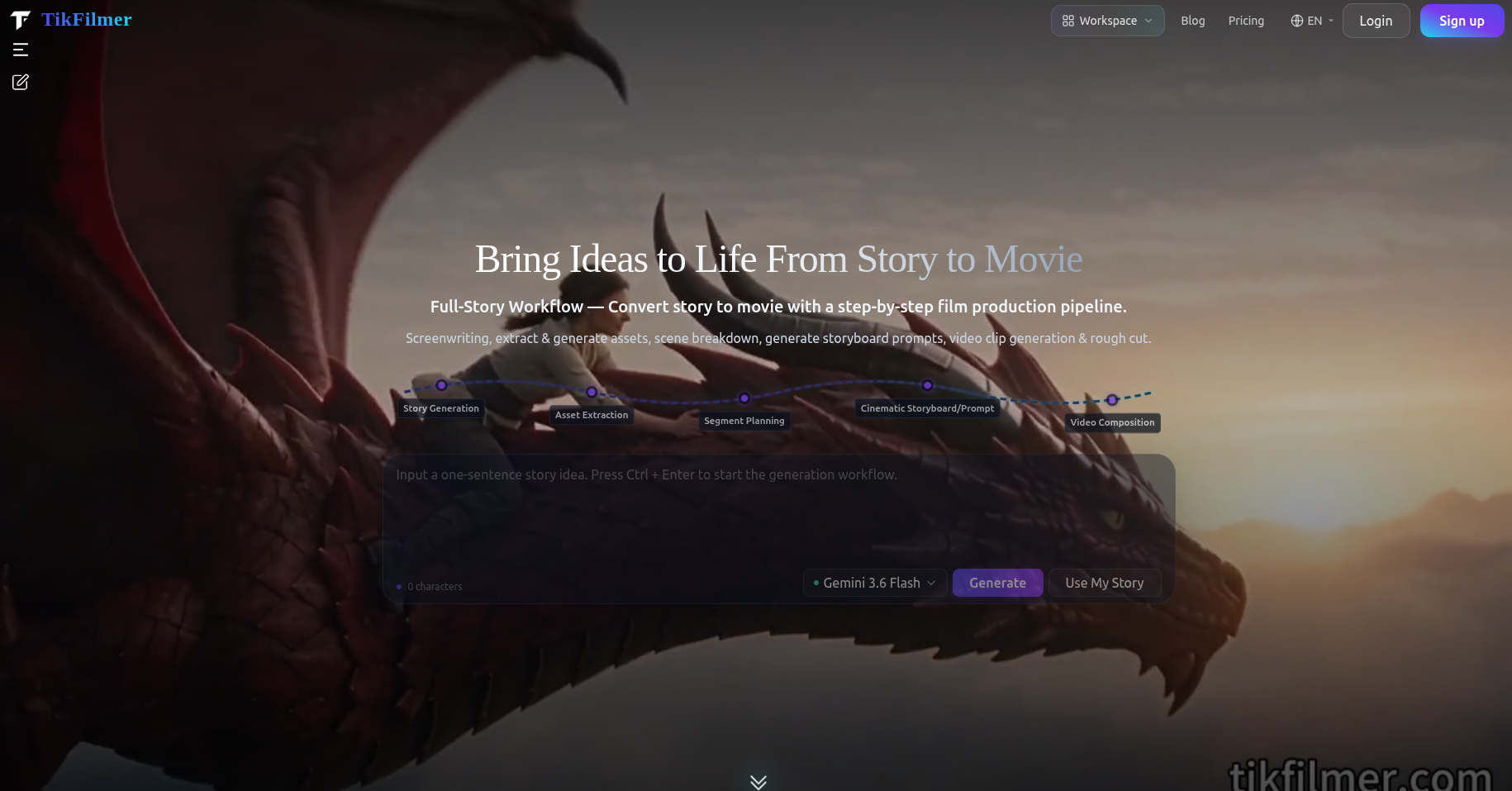
Best AI Video Generator for Storytelling
An honest 2026 comparison of LTX Studio, Runway, Higgsfield, HeyGen and TikFilmer, from their public pages, for people finishing a story rather than a single clip.
Try the segment plan on your own script
Paste the story in TikFilmer, look at the segments, and change the shot plan on the beat that should not feel like the others. Read Higgsfield's pages if the camera move is the whole job.
Start free in TikFilmer