Make a Movie with AI

Make a movie with AI when you want something you can watch from the first image to the last and say what changed. A single generated clip can look finished. It is one shot. This page is the first time you go from words you already have, or from one sentence, to a rough cut.
The order of that work, written as five stages, is how to make an AI movie. Stay here for the first film: what to bring, how to keep a face from wandering, how to stop every scene from moving at the same speed, and when to let Autopilot run versus when to stay in Cards or Canvas. The tool for generating that film from a story or a script is the AI film generator. The studio around it, Autopilot and Canvas included, is the AI film maker on the homepage. The path that starts from words is story to movie.
Bring a story, or one sentence
Paste a short story, a screenplay, an outline, or a few paragraphs. Pasted text is used as written. If you only have a premise, type one sentence with a person and a problem. A generated story defaults to about a minute and a half unless you name another length in the input.
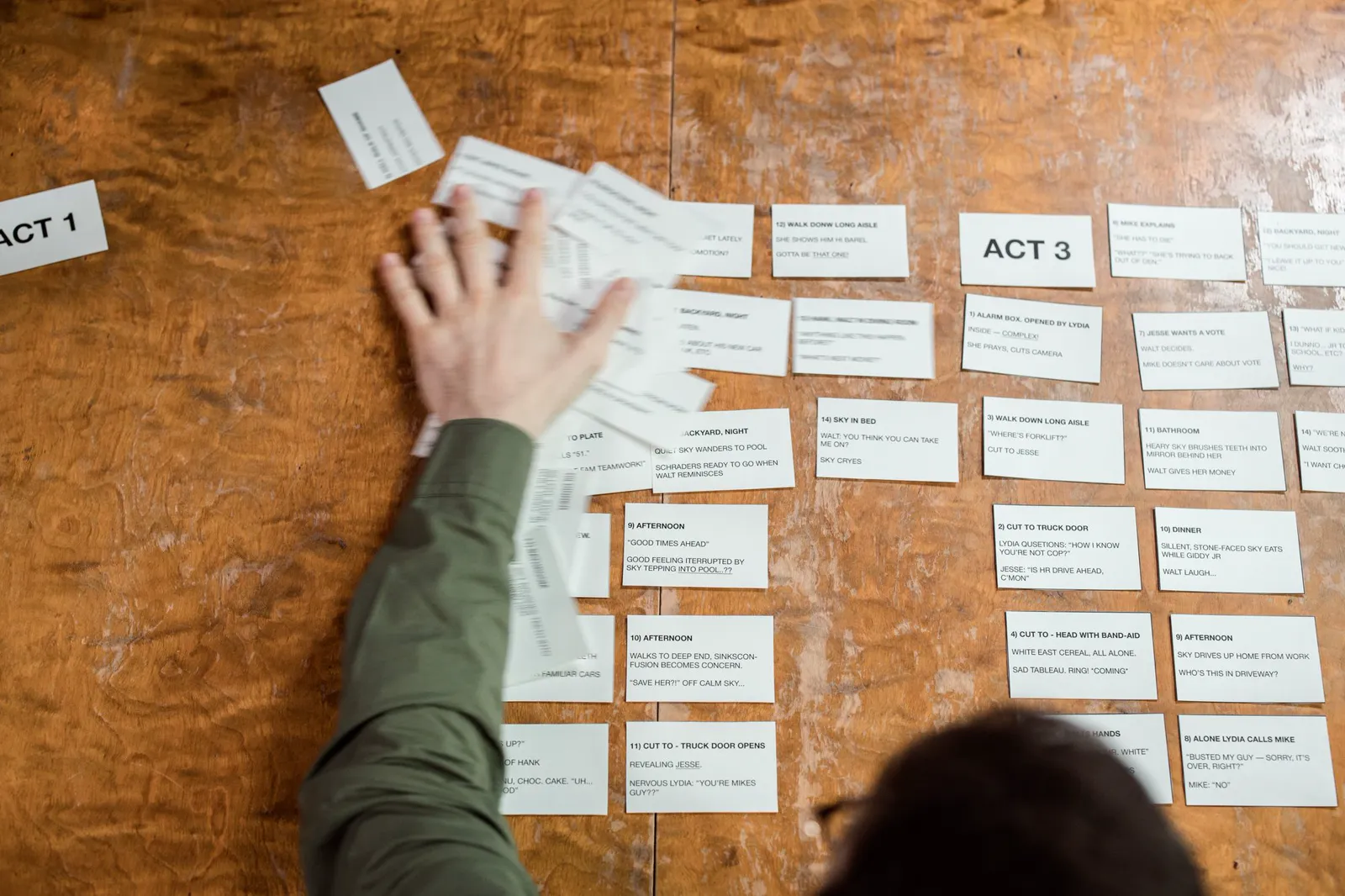
Write what a camera can see, in order, before you spend a video credit. Four or five beats are enough for the first film. One room, two people, and one object that matters will finish. A feature-length idea will not. Include the beat that should stay quiet. If a line only works as a feeling, it will not survive the clip.
A page is plenty. Keep the verbs. You can edit the draft TikFilmer writes from one sentence until a stranger could say what changes. Do that before the expensive pass.
Give each person a reference before the first clip
The failure everyone notices is a lead who is a different person two scenes later. TikFilmer lists characters, locations and props and keeps a reference image for each. Later segments reuse those images. That is how a face, a costume and a room have a chance of recurring. It is not a lock.
If a face drifts, fix the reference or regenerate that segment. Generating more coverage of a wrong face spends the credits on the problem. Voices are separate. This page does not claim that a voice will match across shots. If a spoken line matters, keep it short and check it in the cut.
The longer method for continuity across segments is consistency and continuity in AI video.
Do not give every scene the same rhythm
A chase and the pause after it are different kinds of time. If every clip is the same length and the same mood, the turn never lands. Split the page where the story turns, into narrative segments, and choose a shot plan for each one.
Dialogue, Action, Suspense and Breathing room are named plans. The quiet beat can take Breathing room. The beat where someone moves can take a faster plan. The people stay the same. Only the rhythm changes. That choice is the directing. More generation will not invent a change of pace you left out of the plan.
Board the segments before you spend the video credits. That cheaper pass is plan your AI video before you generate. Once the first cut exists and you want coverage and a real change of speed, read a cinematic AI film workflow.
Autopilot when the words are ready, Cards or Canvas when you need to look
Use Autopilot when the page is already true and you want a full pass. Fully automatic sits next to the homepage composer and is labeled Autopilot. TikFilmer shows a credit range and a time range before that pass spends anything. After you confirm, it can run the story, the assets, the shot plan, the video and a rough cut. Keep the page open while it runs. It pauses if a budget gate trips or a repair needs you. You can pause and resume. It does not run the upscaler, and it does not promise the first pass is the film you will keep.
Stay step by step when you want to approve the cast, or one scene's plan, before the next credit. Cards are that step-by-step editor. Canvas is a node view of the same project, so you can see which shot still depends on which reference, and where a last frame joins the next clip. Double-click a node to edit it as a card. Nothing is copied into a second project.
When to pick each one, with the product screenshot of that sidebar and the node graph, is Autopilot and Canvas in an AI film maker workflow.
Watch a rough cut before you chase a finish
The first success is a cut you can sit through. Trim and stitch on the timeline. Export one MP4, the separate clips, or a Premiere Pro project with the timeline and source media. If the faces drift, you have a reference problem. If the faces match and the film feels the same all the way through, you have a pacing problem. Change the quiet segment and render that segment again.
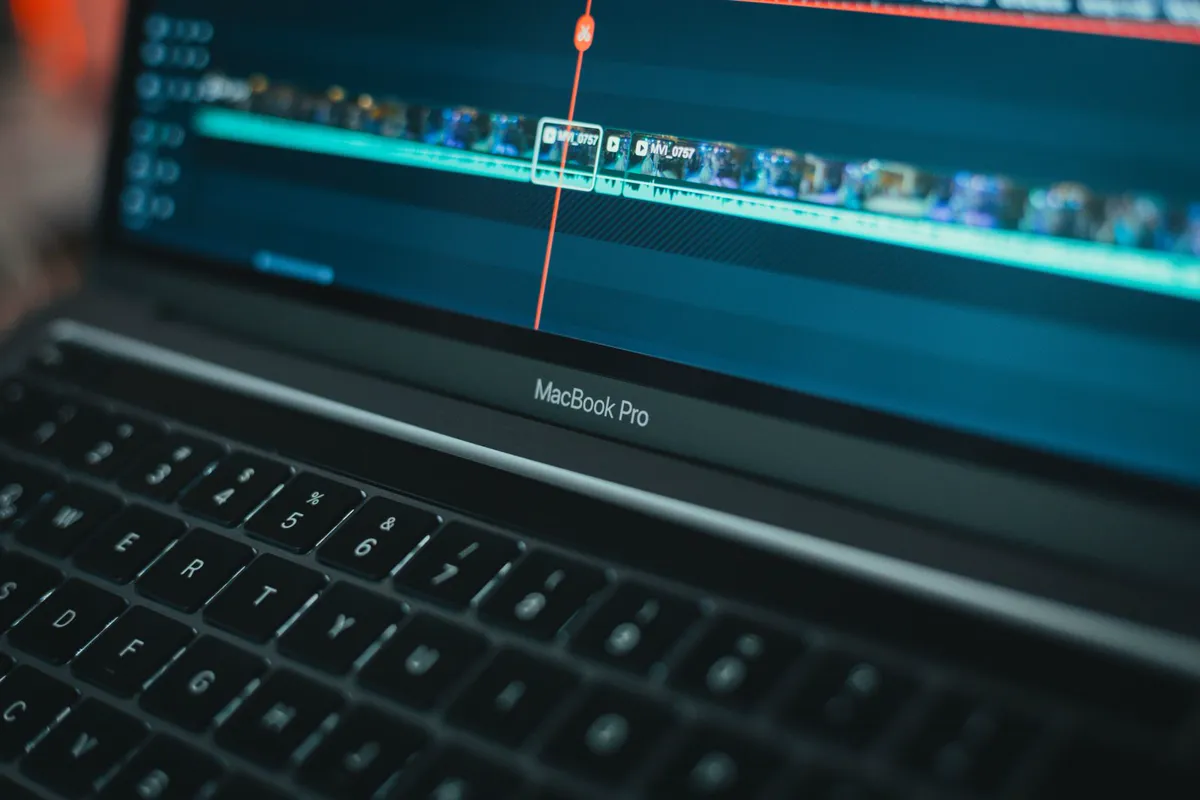
The upscaler and the video editor are available as their own tools, on the clips you are keeping. They do not repair a story that skipped the turn, and Autopilot does not run the upscaler for you.
Spend 350 free credits on one short
New accounts start with 350 free credits, issued once. Spend them on one short: the page, the references, and a first cut you can watch. A longer film will not fit in that start. The point of the free credits is to learn whether the beats are right.
Open the AI film generator and paste the page, or start from the AI film maker homepage if you want the Autopilot switch in front of you. The five-stage sequence is still how to make an AI movie.
If the material is a birthday, an anniversary, or a short memoir, use turn a family story into a movie instead of stretching this page to cover it.
FAQ
Can I make a movie with AI from a script I already wrote?
Yes. Paste a short story, a screenplay, an outline, or a few paragraphs. Pasted text is used as written. Then build reference images, split the beats, and take a first rough cut.
What if I only have one sentence?
Type a person and a problem. A generated story defaults to about a minute and a half unless you name another length. Edit that draft until the turn is obvious, then run the same path you would run on a finished script.
Will the characters stay the same in every shot?
Reference images give a face, a place and a prop a chance of recurring. They do not lock them. If a face drifts, fix the reference or that segment. This page does not promise a matching voice across shots.
Should every scene be the same length?
No. Split the story where it turns and give neighboring segments different shot plans. Breathing room can hold a quiet beat. A faster plan can cover the beat where someone moves.
When should I use Autopilot instead of Cards or Canvas?
Use Autopilot when the words are ready and you want an estimate-first full pass. Stay in Cards or Canvas when you still need to approve the cast, or one scene, before the next credit. They are two views of the same project.
How many free credits do I get, and what can I export?
New accounts start with 350 free credits, issued once. Use them on one short. Export an MP4, the separate clips, or a Premiere Pro project. The upscaler and the video editor are separate tools, and Autopilot does not run the upscaler.
More articles
View all articles →
Turn a Family Story Into a Movie With AI
A birthday, an anniversary, or a short memoir: paste the words, plan the beats, then take a first cut with Autopilot or repair one beat in Cards and Canvas.
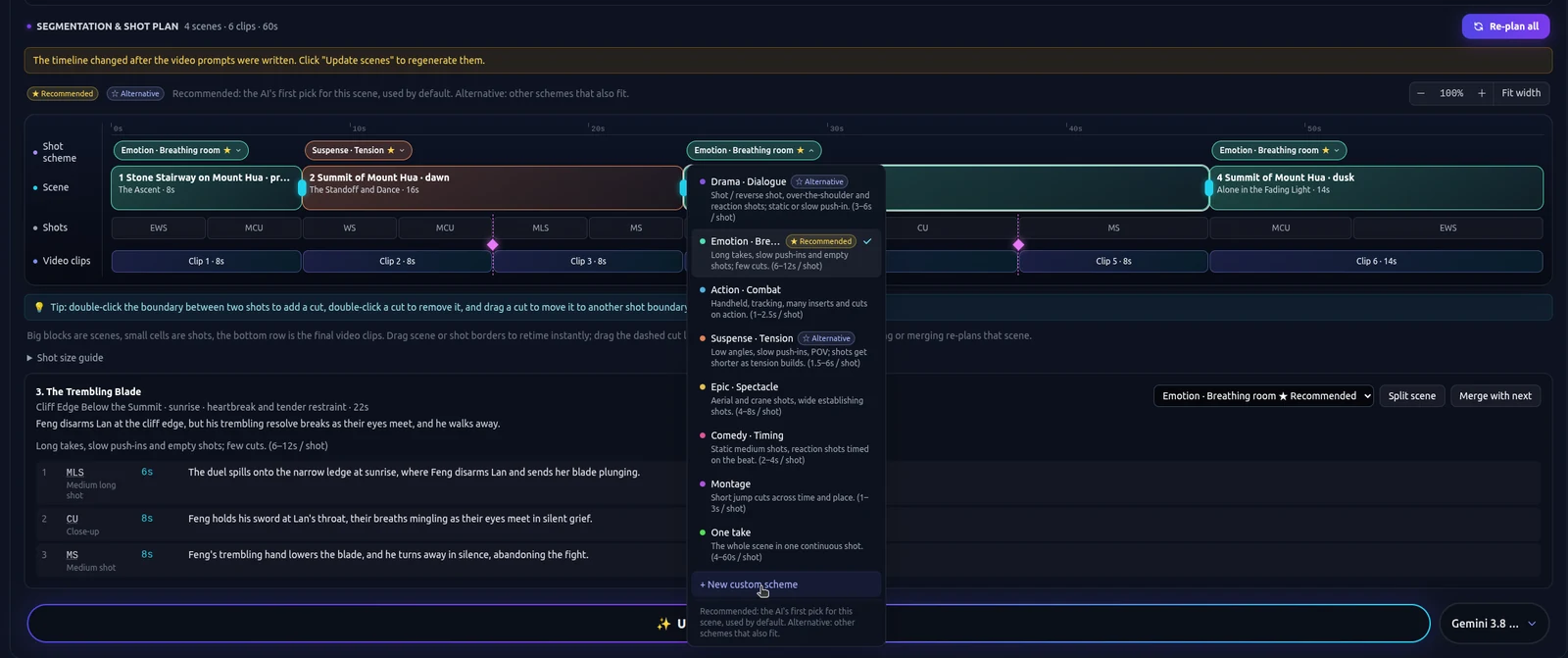
A Cinematic AI Film Workflow
Rhythm for an AI short: story beats, coverage, and a different shot plan for a tense segment than for one that should hold. The beginner how-to is a separate page.
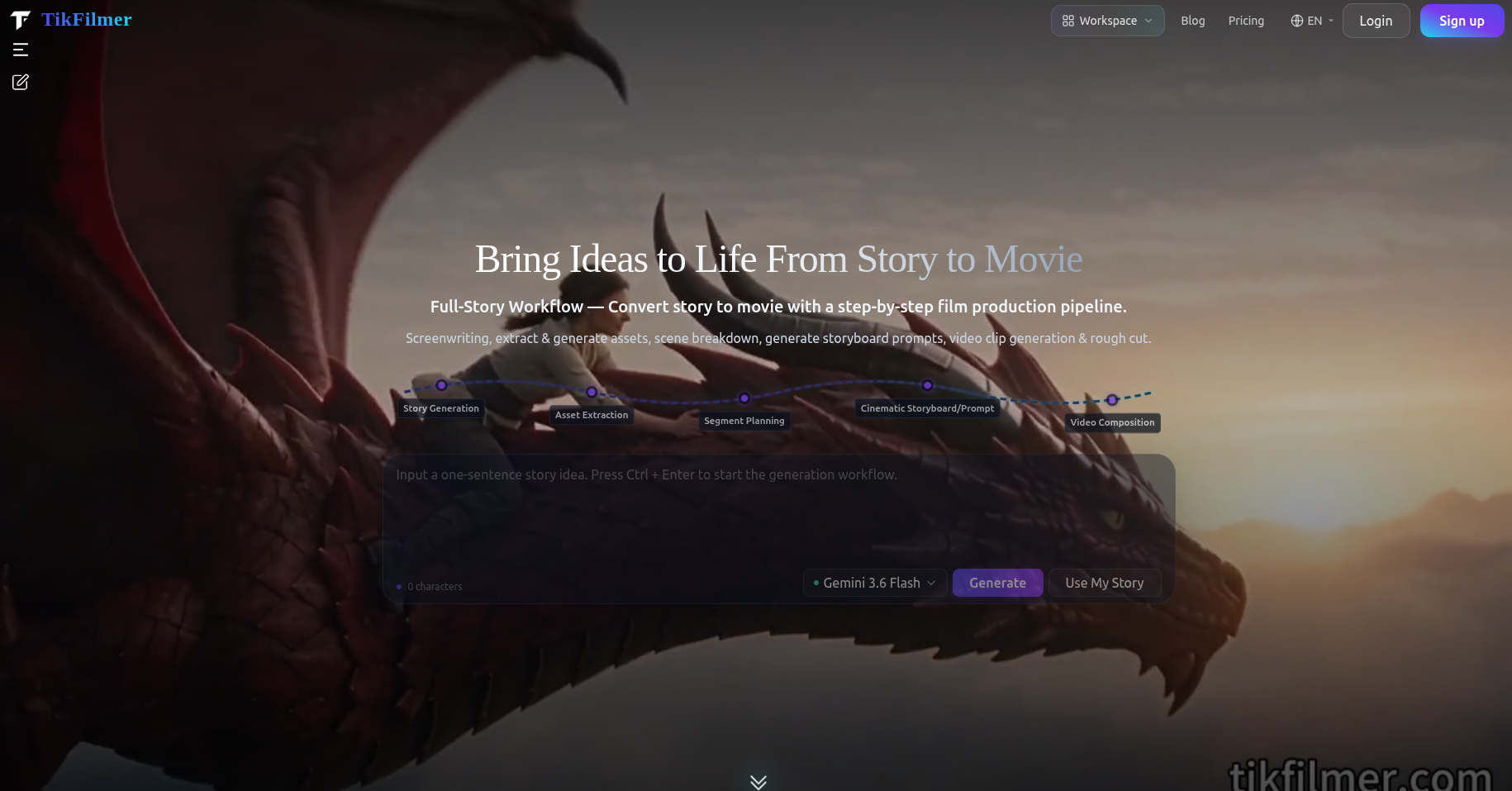
How to Make an AI Movie
The order of work for an AI movie: a story you paste or draft, assets, a shot plan, clips and a rough cut, plus when Autopilot or Cards and Canvas is the better way through it.
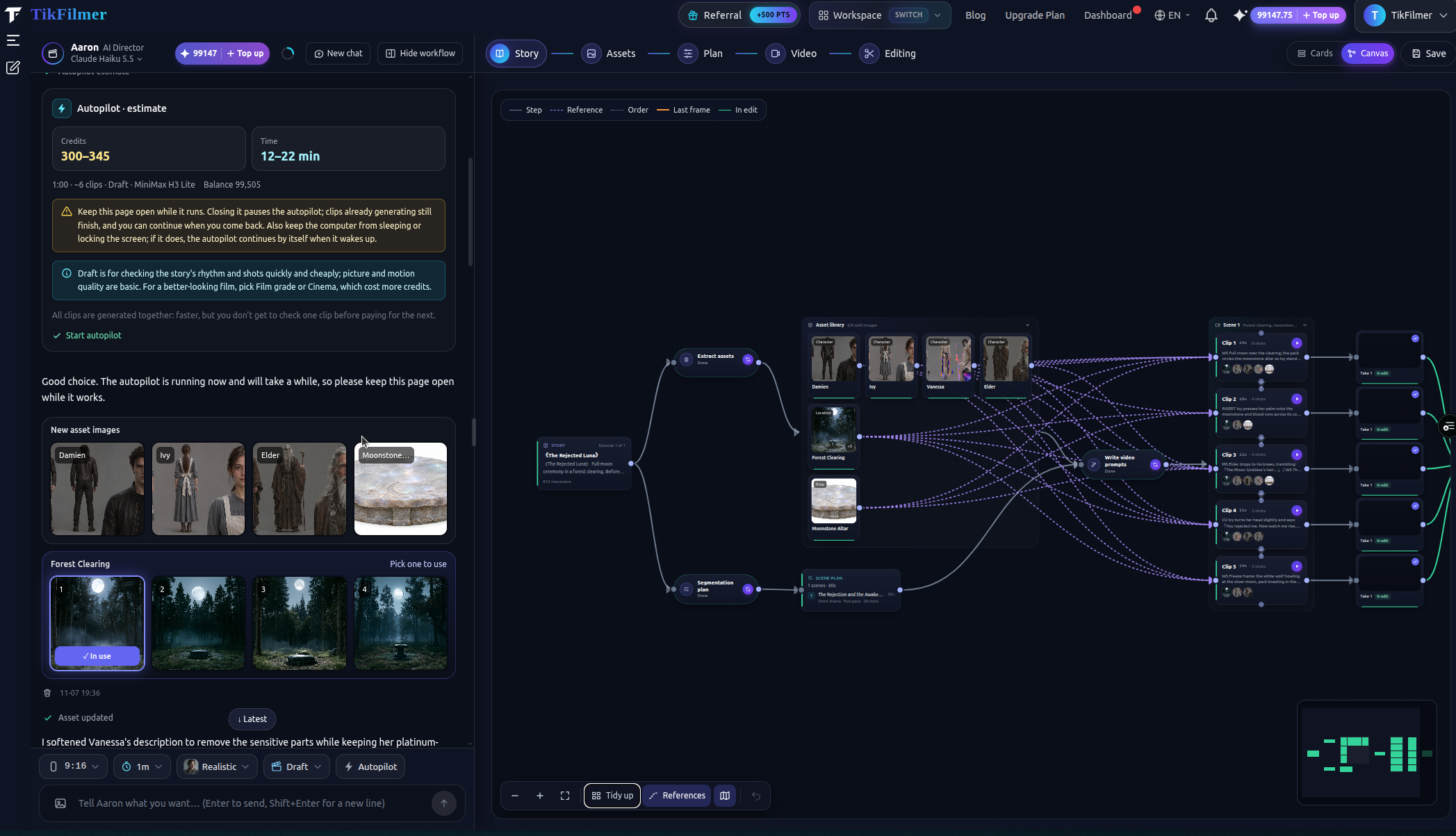
Autopilot and Canvas in an AI Film Maker Workflow
When to let Fully automatic run an estimate-first pass, when to stay step by step, and when Cards or Canvas makes the same project easier to read.