AI Film Generator
Use TikFilmer as an AI film generator when you want a film from a story or a script: one cast, a shot plan, the clips, and a rough cut. It is not a button that makes a single clip. The homepage is the AI film maker studio. This page is the generator.
Start free in TikFilmer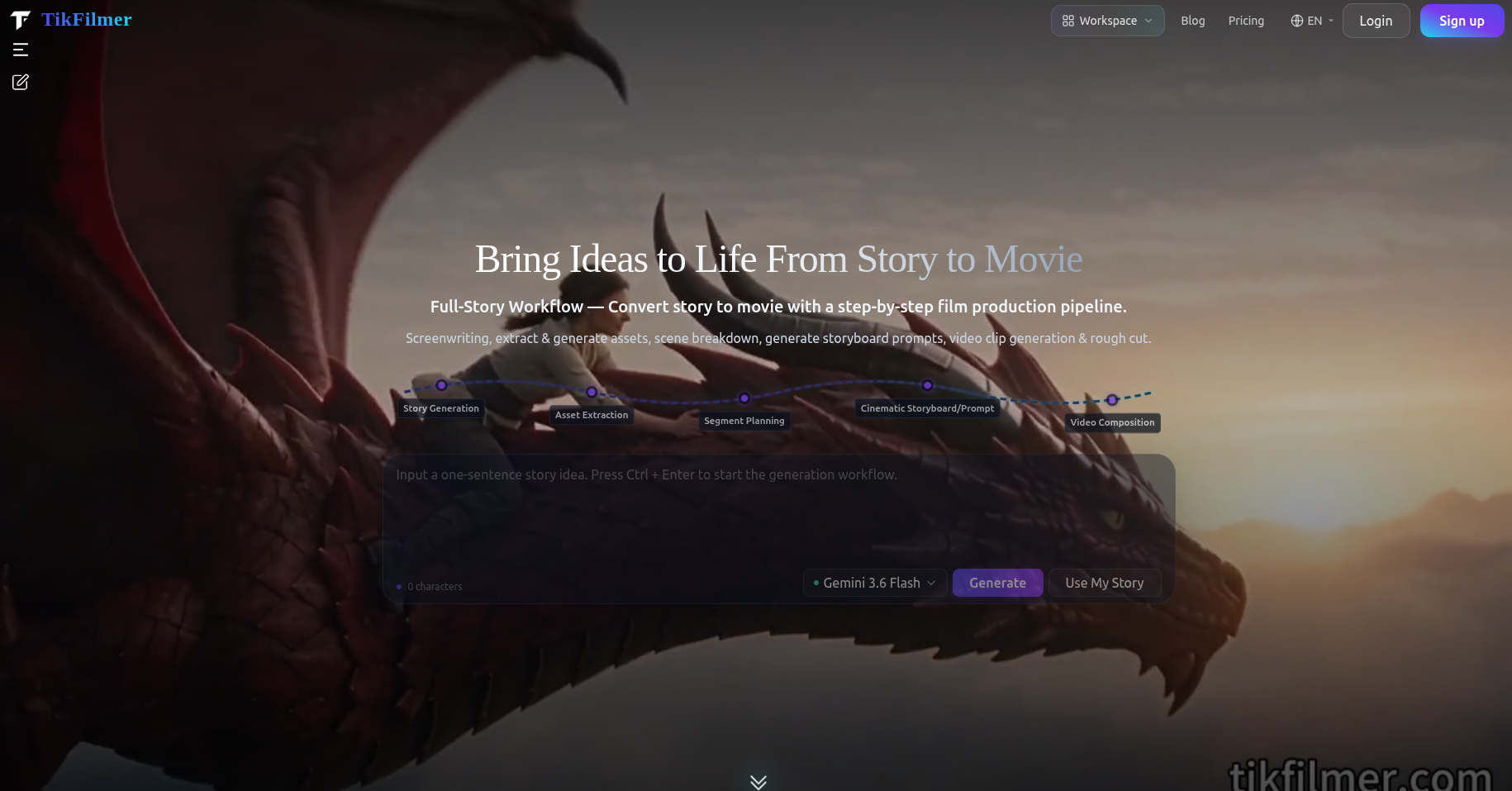
How this AI film generator works
Four passes, in order. You can run them yourself, or confirm an estimate and let Autopilot run them. Cards and Canvas are two views of the same project.
01
Start from words you already have
Paste a story, a screenplay, an outline, or a few paragraphs. Pasted text is used as written. If you only have a premise, type one sentence. A generated story defaults to about 1.5 minutes unless you name another length.
02
Build the library before any shot
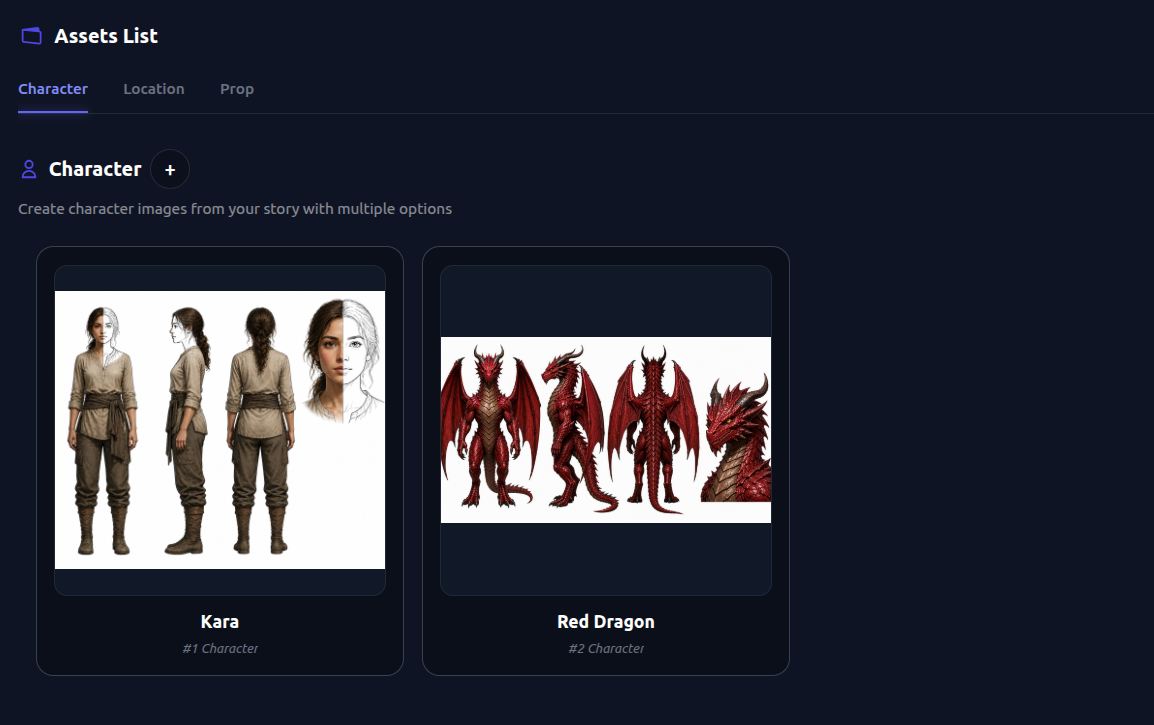
TikFilmer pulls characters, locations and props out of the text and stores a reference image for each. Later segments reuse those images, which is what gives a face, a costume and a room a chance of staying put when the film cuts.
03
Plan the film as segments, not as one blob
The story is split into narrative segments. Each segment can take a different shot plan, such as Dialogue, Action, Suspense or Breathing room, so a quiet beat is not cut like a chase. You can edit one segment and re-plan only that part. Two generation modes exist: omni-reference video straight from the references, or a storyboard image first (GPT-Image) and then the video.
04
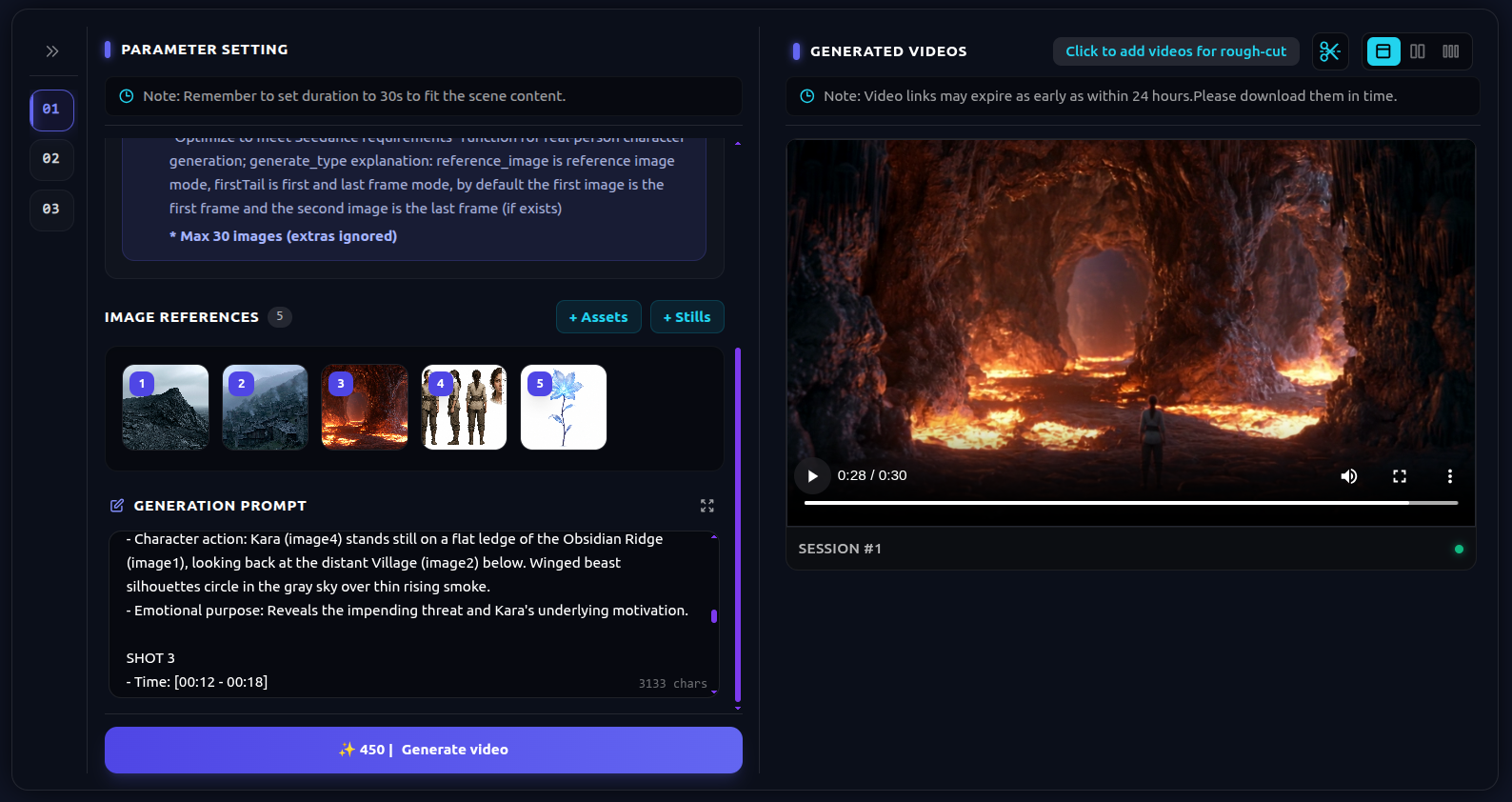
Generate the clips and export a cut
Each segment renders with the video model you picked, using the asset references and the plan's continuity notes. Trim and stitch on the online timeline. Export one MP4, download the separate clips, or take a Premiere Pro project with the timeline and source media. The upscaler and the video editor are available. Export can go up to 4K. Autopilot does not run the upscaler for you.
What you can bring to the generator
These are ways to brief the same workflow. They are not a library of premade films, and they are not case studies.
A script you already wrote
Paste the screenplay or the outline. Scene headings and dialogue are accepted. The extract step finds the characters, locations and props in that text and proposes how to split it into segments.
One sentence
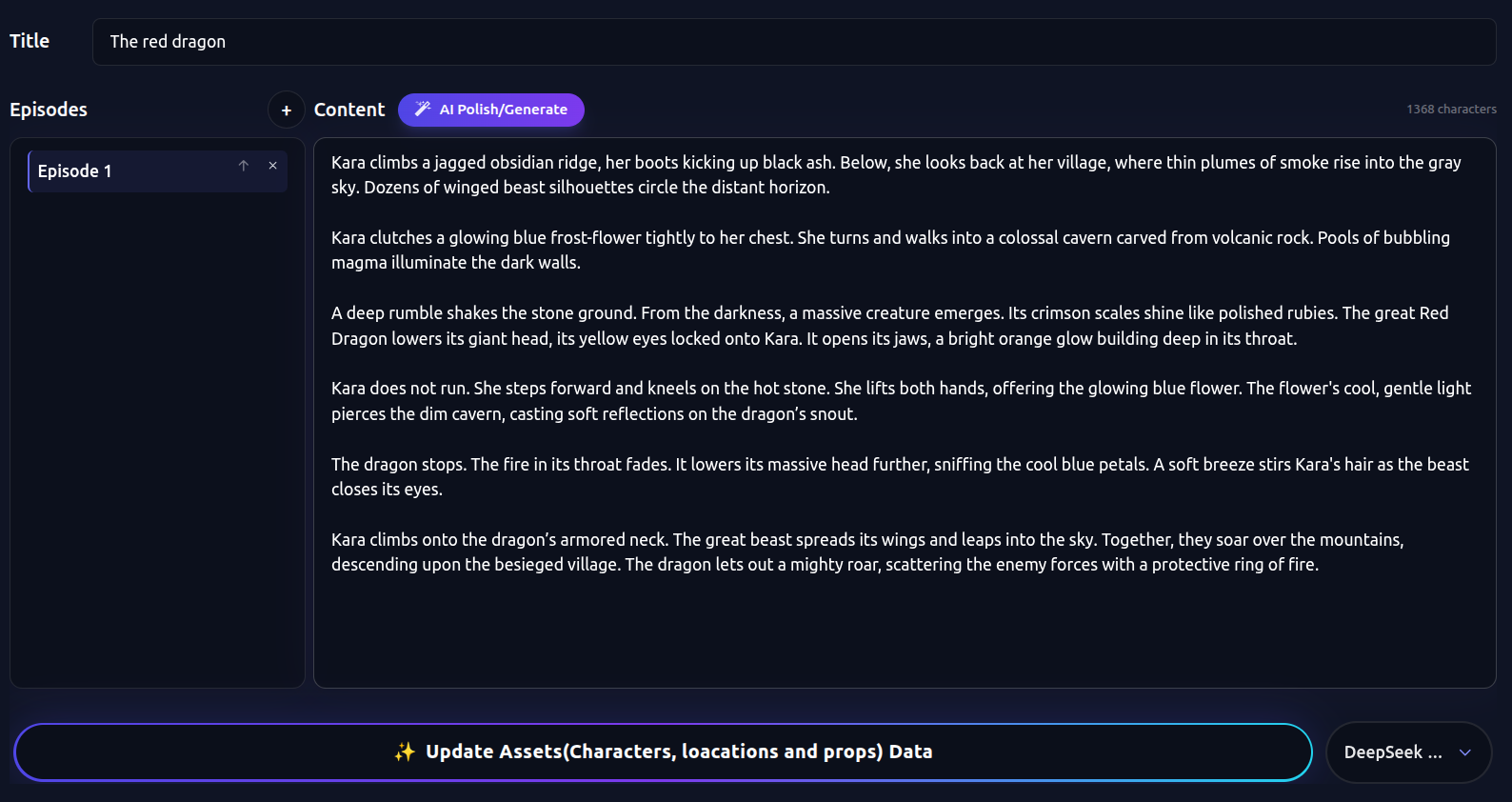
A genre, a person and a problem can draft the story. You still get a library and a shot plan, not one loose clip. Edit the draft until a stranger could say what changes, then generate.
A short that should change speed
Put the argument and the pause in different segments and give them different shot plans. The people stay the same. Only the rhythm changes. A trailer-length cut is the same pipeline with a short runtime, on its own page.
What the generator actually includes
Controls that exist in TikFilmer today.
Your script, used as written
Prose, a screenplay, an outline or a single sentence are accepted. Pasted text is not rewritten unless you ask for a draft from one sentence.
A cast that later shots can reuse
Each character, location and prop keeps a reference image. Continuity notes travel with the plan, including when a cut should carry the previous frame. A reference is not a lock. If a face drifts, fix that reference or that segment.
A different plan per segment
Named plans include Dialogue, Breathing room, Action, Suspense, Epic, Comedy, Montage and One take. You can take the recommended pick or write a custom scheme. The point is that neighboring segments are allowed to disagree.
Autopilot after an estimate
Turn on Autopilot next to the homepage composer. TikFilmer shows credits and time first. After you confirm, it can run this path through a rough cut, with budget gates and repair for common failures. Keep the page open. You can pause and resume. Autopilot does not run the upscaler.
Cards or Canvas
The same project can stay in step-by-step cards or switch to a node canvas. The canvas shows serial and parallel stages, asset links, last-frame joins and takes on the timeline. Double-click a node to edit it as a card again.
A cut you can leave with
Export an MP4, the separate clips, or a Premiere Pro project. You own the clips and the film, including commercial use, on every plan including Free.
A film from text, not a single clip
People searching for an AI film generator usually want the whole film: a beginning, a turn and an ending, with a cast that still looks like itself. A model that returns one handsome clip is a different tool. TikFilmer runs the story workflow and hands you a rough cut.
This page stays on that generator job. The homepage is the AI film maker studio, where Autopilot and Canvas sit around the project. The story to movie page is the same pipeline, written for people who start from that phrase. A 60-second teaser belongs on the AI movie trailer generator page. Those pages are linked under Related.
Autopilot for the first full pass, Canvas when you need to see the joins
Use Autopilot when the words are already true and you want the pass without stopping to approve every paid step. The switch is labeled Fully automatic and sits next to the homepage composer. You see the credit and time estimate before anything in that pass is spent. If a budget gate trips, or a repair needs you, it pauses. Closing the page pauses it, and you can resume when you come back. It does not promise a finished film on the first try.
Stay in Cards when you want to approve the cast, or one segment's shot plan, before the next credit. Switch to Canvas when you want the same project as a graph: which shot still depends on which reference, and where a last frame joins the next clip. Nothing is copied into a second project. The longer note on when each choice helps is linked under Related.
Credits, export and what this page is not promising
New accounts start with 350 free credits, issued once. That is enough to learn whether the segments are right on one short, not to finish a long film. A homepage showcase example is about 350 credits for one minute at 480p, about 700 for two minutes, and about 500 to reach 1080p.
Free is 350 credits, issued once. Basic is $9.9/month (1,100 credits), Starter $29 (3,300), Pro $79 (9,000), Studio $239 (27,000). Yearly: $105.50, $309, $842, $2,549, up to 22% off. Pay-as-you-go is $0.01 a credit, minimum 100, and those credits do not expire. Cancel at [email protected]. Billing questions within 7 days are reviewed. Stripe and PayPal.
There is no separate generator app and no native app. The site is web only, including mobile browsers. You still review the story, the references and the shot plan. Creative project data stays in the browser. Account and credits sit in the cloud.
FAQ
What does this AI film generator give me?↓
A story split into segments, a reference library for the cast and the places, a shot plan, video clips and a rough cut. You can export an MP4, the separate clips, or a Premiere Pro project. It is not a single generated clip.
Can I paste my own script?↓
Yes. Prose, a screenplay, an outline or a single sentence are accepted. Pasted text is used as written. The workflow then extracts characters, locations and props.
How is this different from a one-click clip?↓
A clip is one shot. This workflow keeps a library, plans more than one segment, and joins the clips in a rough cut. If you only wanted one moving shot, this is the wrong page.
Will the characters match from shot to shot?↓
Each character, location and prop gets a reference image that later shots reuse, and the plan adds continuity notes between segments. A reference gives a face a chance of recurring. It does not lock it. If a face drifts, fix the reference or that segment.
Does Autopilot make the film without me?↓
After you confirm an estimate of credits and time, Autopilot can run story, assets, the shot plan, video and a rough cut. Keep the page open. You can pause and resume. It pauses if a budget gate trips or a repair needs you, and it does not run the upscaler. Cards or Canvas is the same project when you want to inspect a step.
Is there a free start?↓
New accounts start with 350 free credits, issued once. You own the clips and the film, including commercial use, on every plan including Free. Paid plans start at Basic, $9.9 a month.
Related
- AI film maker
- story to movie
- AI movie trailer generator
- make a movie with AI
- how to make an AI movie
- When to use Autopilot, and when Cards or Canvas is the clearer view
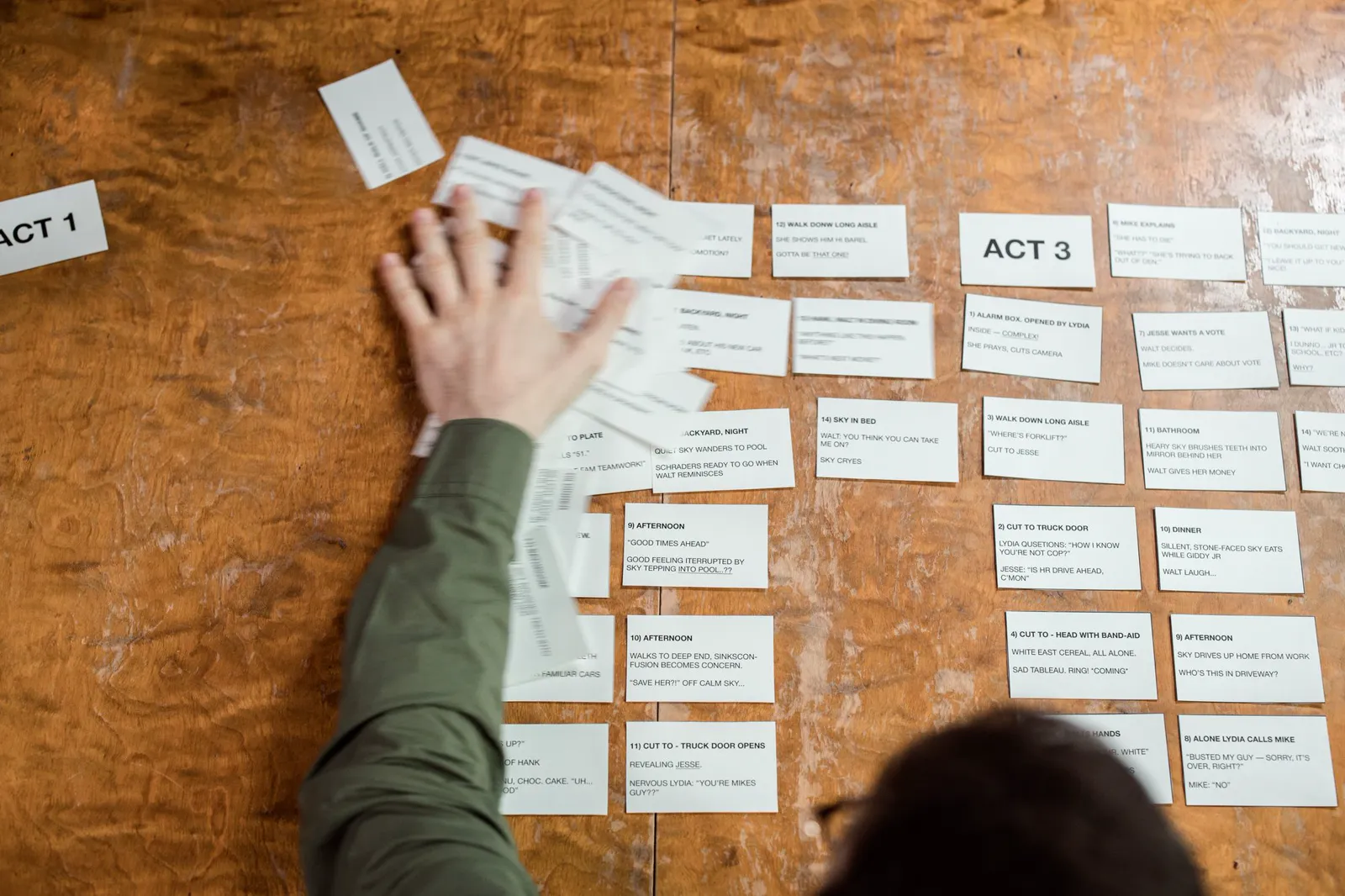
Make a Movie with AI
A first film with AI: start from a story or one sentence, keep the cast from drifting, give neighboring scenes different pacing, then reach a rough cut with Autopilot or Cards and Canvas.
Generate a film from the story you have
Paste the script or type one sentence. Build the library, plan the segments, and leave with a rough cut.
Start free in TikFilmer