AI Short Film: What It Is and How Creators Make One in 2026

An AI short film is a complete short story told with generated shots: a beginning, a turn, and an ending, cut so the rhythm changes on purpose. In 2026 that usually means a few minutes, sometimes less, assembled from clips a model can actually hold. It is not a single pretty generation with a caption under it.
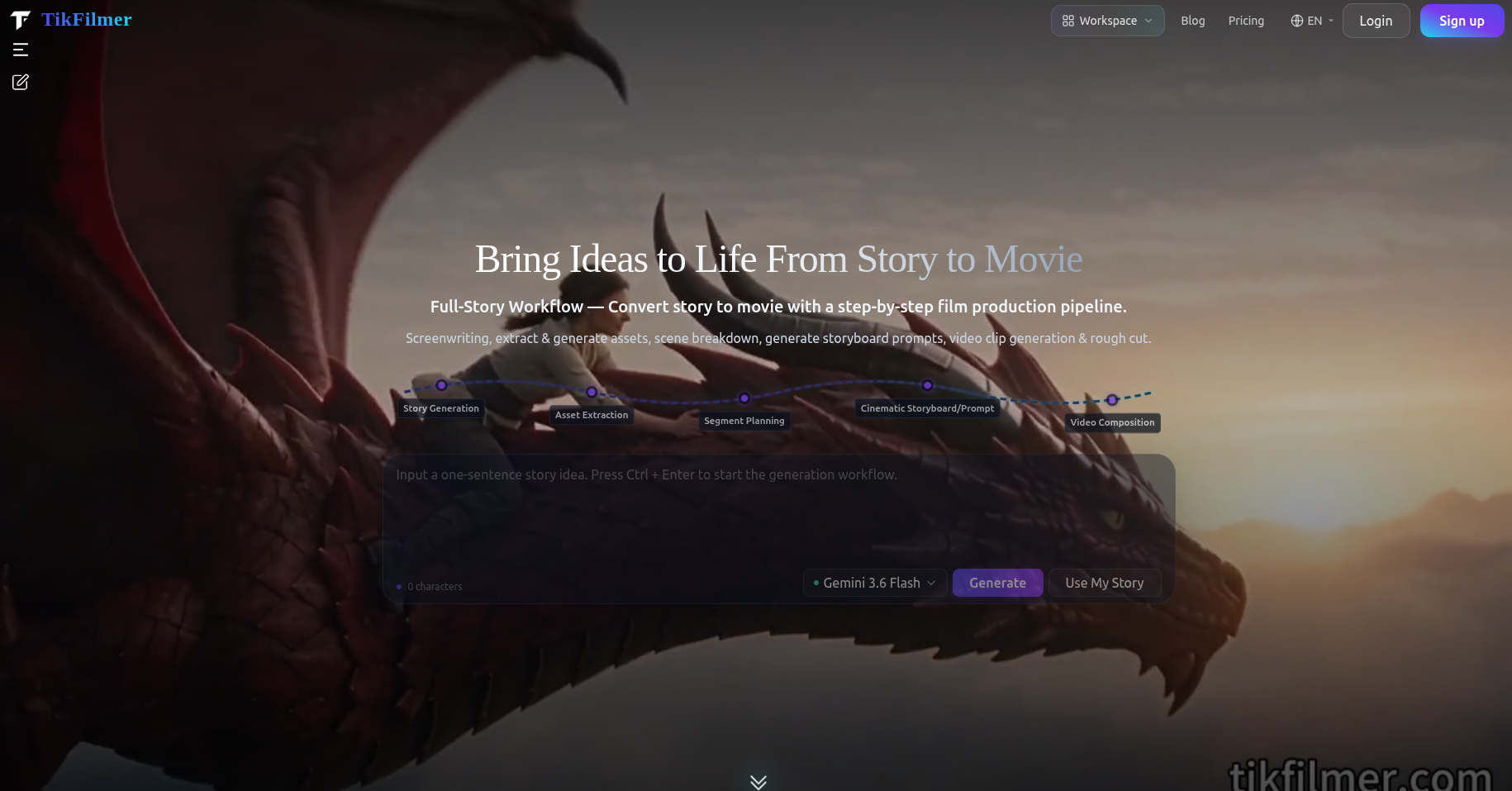
This is a practical account of what counts, where these shorts fall apart, and a way to plan the segments before you generate anything. The segment method is how TikFilmer is built. It is one approach, not a rule the whole field shares. If you want the click-by-click path from words to a rough cut, the story to movie workflow is the page for that.
What counts as an AI short film
Length is the easy part, and it is also the part people argue about. A short film, in the older sense, is anything under a feature. Online, an AI short film is shorter than that. Creators talk about pieces from under a minute up to around ten or twelve minutes. The useful test is not the runtime. It is whether a stranger can tell you what happened, and what changed, without you explaining the prompt.
A few shapes show up again and again, and they are worth separating because they ask for different plans:
- A one-scene drama. Two people, one room, one decision. The film is the change in the room. A short drama of this kind is its own brief, covered on the AI drama generator page.
- A journey with a button. Someone crosses a city, a station, a night shift, and one image at the end reframes the trip. The middle can be quicker. The last image has to be allowed to sit.
- A genre sketch. A chase, a ghost, a joke. The pleasure is the coverage, but it still needs a turn or it plays as a demo reel.
What does not count, even when the pixels are beautiful: a montage of unrelated clips that share a color grade, or a face reciting a plot. Those can be part of a short. They are not the short.
The typical workflow (story, segments, shots, clips, edit)
The order is dull, and skipping it is how a weekend disappears. Write the story. Break it into segments. Decide the shots. Generate the clips. Then edit. Each step throws away work from the step before it, which is the point. A bad segment plan is cheap. A bad render of a bad segment plan is not.
Suppose the short is three minutes about a baker who keeps the shop open to teach her niece one recipe. The niece overworks the dough. They throw it out and start again, and the walk home is quieter than the lesson was. The story, written in a page or a screenplay, already contains the film. The workflow's job is to stop the generator from treating "teach, fail, start again, walk home" as four clips of the same length.
- Story. A page is enough. Paste a script if you have one, or draft from a sentence. In TikFilmer a generated story defaults to about a minute and a half unless you ask for another length. Pasted text is kept as written.
- Segments. Lockup, the lesson, the ruined dough, the restart, the walk. Five narrative segments, not five equal minutes.
- Shots. A shot plan per segment: how close, how long, where it is allowed to cut.
- Clips. Generate from reference images of the baker, the niece, and the shop, so the faces survive the cut.
- Edit. Assemble the clips in order. The pacing should already be in the plan, so the edit is a confirmation, not a rescue.
Where most AI short films fall apart (consistency, pacing)
Two failures show up more often than bad ideas. The first is consistency. The niece's hair, the baker's apron, and the tile behind the bench change every time a new clip starts, because each clip was asked to invent the world again. A reference image for each character, location and prop is the boring fix. Generate those images before the shots, and point later segments at them. The longer note on this is how to keep consistency across AI video segments.
The second failure is pacing. The film can look consistent and still feel dead. If every clip is filled to the same length, the ruined dough gets the same screen time as the walk home. Nothing is allowed to be small, and nothing is allowed to linger. Cut on a shot boundary inside the segment, so a hand can finish reaching for the bowl before the next clip starts.
Planning segments before you generate
This is TikFilmer's approach, and it should be read that way. Other tools board a script, or generate a shot, or hand you a scene that arrives already cut. Segment planning is the step we put in front of generation: the story is split into narrative segments, and you choose a different shot plan for each segment so the narrative style can change.
On the baker short, the lesson can take a dialogue plan, close enough to see hands and faces, long enough for the instruction to finish. The ruined dough can take something quicker, because the mistake is a turn, not a lecture. The restart can return to the slower plan. The walk home can take Breathing room, which is the named plan for a beat that needs to hold. Same two people, same night, four different kinds of time.
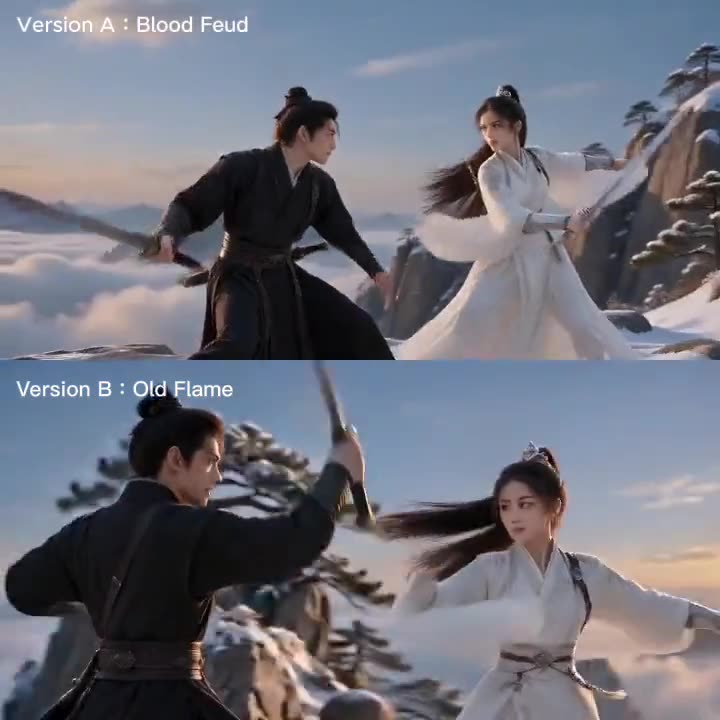
Do this before you generate the clips. A shot plan is cheap to change. A rendered minute that was paced like every other minute is not. If you want to see the same story given two plans on purpose, the note one story, two cinematic styles follows a sword fight cut once as a feud and once with more room. The mechanism is the one above. The film happens to be a fight instead of a kitchen.
Write the segments down even if you are not in TikFilmer yet. A list of beats, with a verb for the pacing of each ("hold," "cut," "move"), will save you from prompting five versions of the same mood. The board, if you want frames before video, comes after that list. The script to storyboard page is that order: segments, a shot plan, then frames.
Tools people use at each step
Nobody serious uses one box for the whole short, and the names below are not a ranking. They are the jobs. A fuller, sourced comparison of LTX Studio, Runway, Higgsfield, HeyGen and TikFilmer is in the storytelling comparison, last reviewed November 2026. What follows is only which step each kind of tool is for.
- Story. Your own page, or a draft from a premise. TikFilmer accepts a pasted screenplay or writes a short story from a sentence, then keeps that text as the input to the plan. A tool that only returns a document still leaves the segments unchosen.
- Board. LTX Studio's public pages describe turning a script into scenes, shots and a storyboard, with reusable elements for characters and places. Use a board when you need frames the rest of a team can look at.
- Shots. Runway's longer-film guide says you edit shorter clips together. Higgsfield's Cinema Studio page describes genre, camera, pacing and cast on a scene. The comparison post cites both pages.
- A person talking. HeyGen's avatar pages describe a script delivered by a talking-head presenter. That is a real short-form video. It is a different shape from the baker film, which has to move through a room.
- Assembly. Whoever generated the clips, someone still puts them in order. TikFilmer includes a rough cut at the end of the story workflow. Other people take the clips into an editor they already know.
Pick the tool for the step you are bad at. If the story is clear and the shots look like five different shops, you have a consistency problem. If the shots match and the film feels the same all the way through, you have a pacing problem. More generation will not fix the second one.
Make your first one with TikFilmer
Keep the first AI short film smaller than the one you want to be proud of. One location. Two people. Four or five segments. Write the beats in order, including the one that should be quiet. Paste that text, or a screenplay if you already have the headings.
Let the workflow propose the segments. Change the split until it matches the beats you wrote. Choose a shot plan per segment, and give at least one of them Breathing room so you can see what a held beat does to the cut. Generate reference images of the two people and the room before you generate video. Then render.
New accounts start with 350 free credits. Spend them on whether the segments are right. Coverage can wait for a second pass.
Once that first short exists, the essay on changing pace from segment to segment is a cinematic AI film workflow.
Open TikFilmer and start from the story. Paste the beats, or one sentence, and run them through to a rough cut.
More articles
View all articles →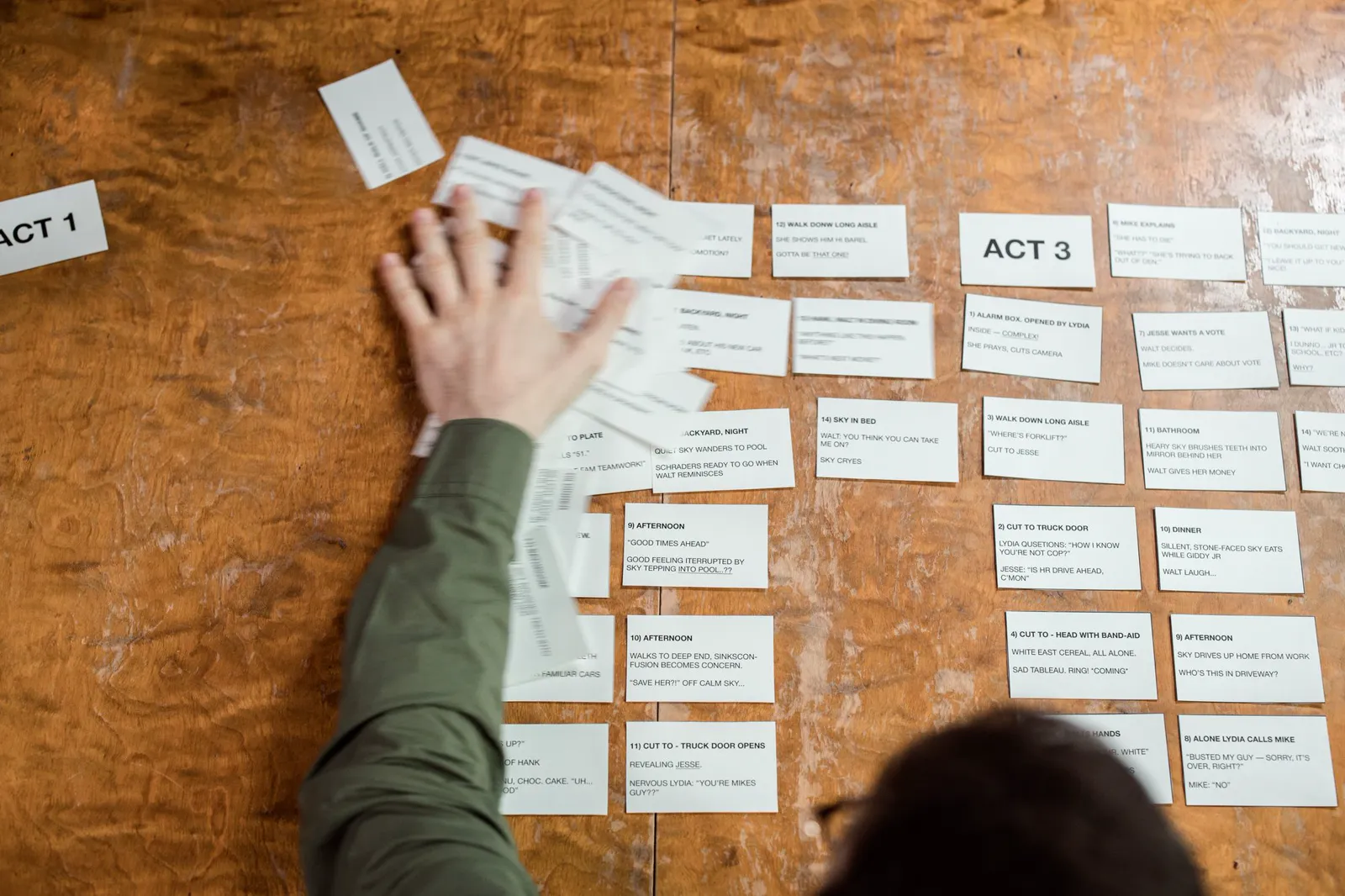
Make a Movie with AI
A first film with AI: start from a story or one sentence, keep the cast from drifting, give neighboring scenes different pacing, then reach a rough cut with Autopilot or Cards and Canvas.
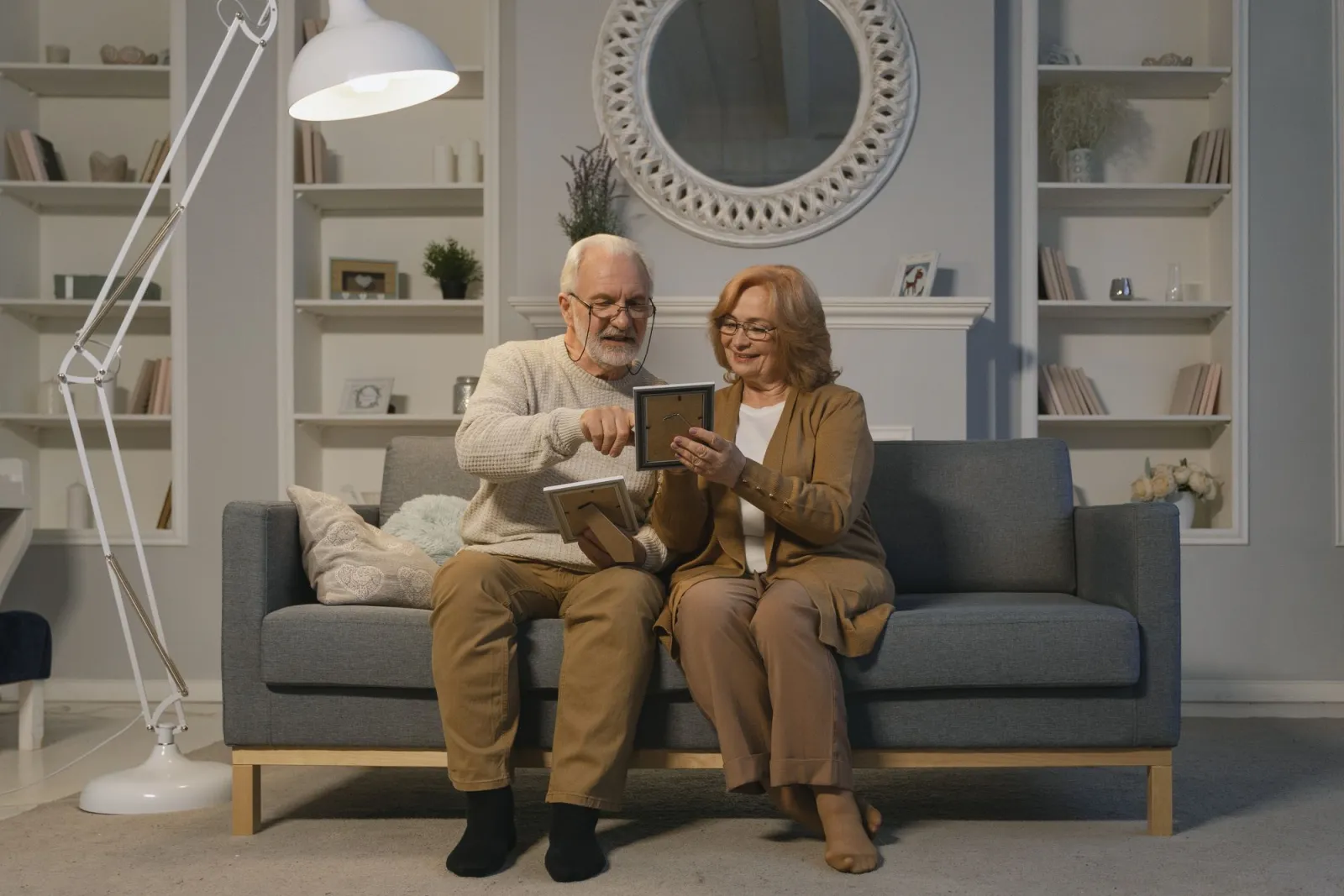
Turn a Family Story Into a Movie With AI
A birthday, an anniversary, or a short memoir: paste the words, plan the beats, then take a first cut with Autopilot or repair one beat in Cards and Canvas.
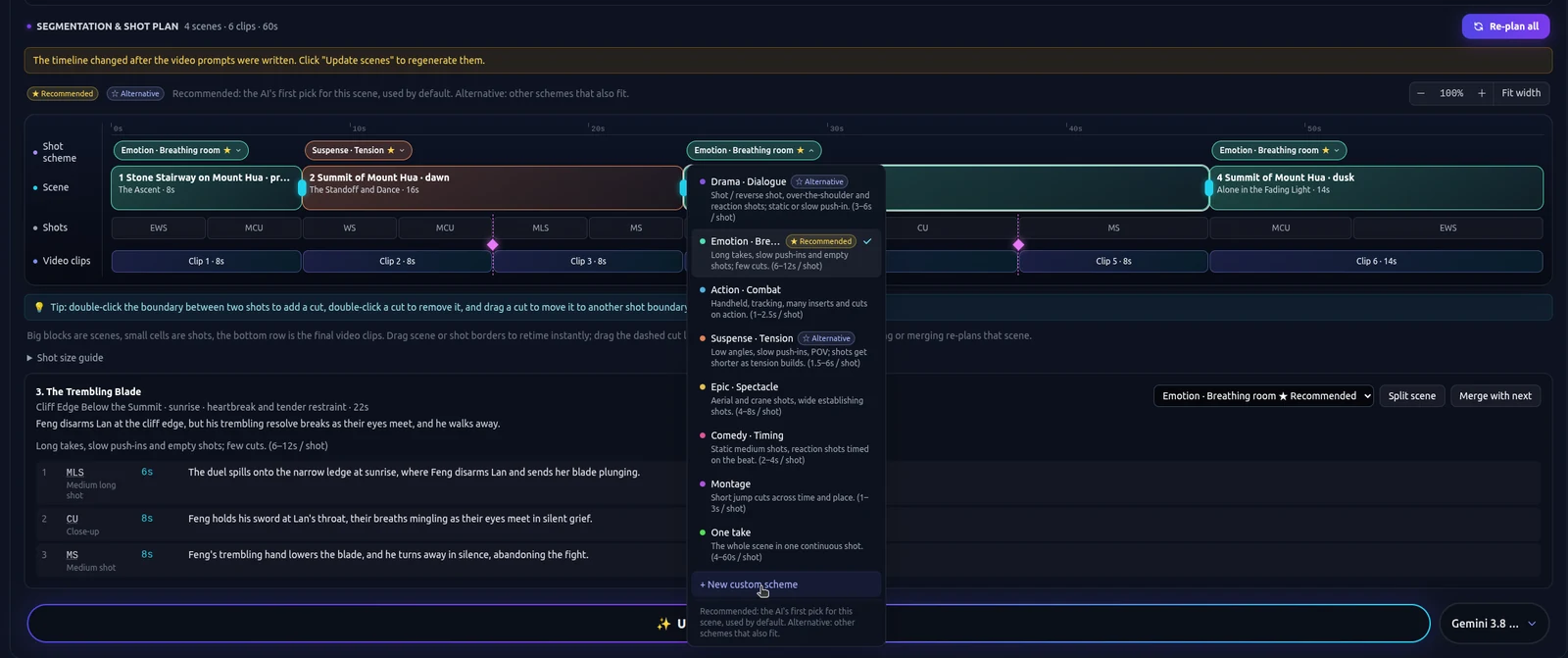
A Cinematic AI Film Workflow
Rhythm for an AI short: story beats, coverage, and a different shot plan for a tense segment than for one that should hold. The beginner how-to is a separate page.
How to Make an AI Movie
The order of work for an AI movie: a story you paste or draft, assets, a shot plan, clips and a rough cut, plus when Autopilot or Cards and Canvas is the better way through it.