AI Micro Drama Generator: Ultra-Short Episodic Vertical Series
Use TikFilmer as an AI micro drama generator when the job is a run of very short vertical episodes, or a vertical ad told as a tiny drama. Paste one episode, set the frame to Vertical drama · shorts (9:16), lock the cast, and pick a short-drama shot plan. The next episode stays in the same project so the faces do not start over.
Start free in TikFilmer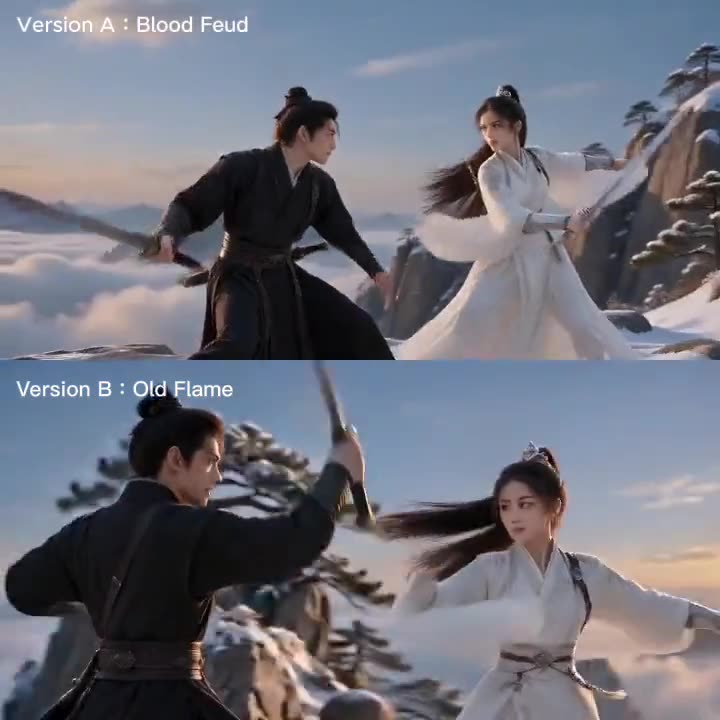
How this AI micro drama generator works
It is the same story-to-movie workflow, aimed at an ultra-short episodic vertical series rather than one standalone dramatic scene. You still review the story, the references and the plan.
01
Write one episode, and name the length
Paste the episode or type a premise. A generated story defaults to about a minute and a half unless you ask for another length, so write the runtime if you want something shorter. Put a hook near the start and an ending, even a cliffhanger, on the page. Pasted text is used as written.
02
Set a vertical frame and lock the cast
Aspect ratio is a project setting. Choose Vertical drama · shorts (9:16) before you generate reference images and video. Characters, locations and props are pulled into the asset library, each with a reference image. That library is shared by every episode in the project.
03
Pick a short-drama shot plan
Short drama · Fast pace is the vertical rhythm: 1–2 second shots, punch-in close-ups, quick reactions, a hook every few seconds. Short drama · Twist & face-off is the plan for a reveal and the reactions around it. Other named plans, including Dialogue and Breathing room, are still available when an episode needs a longer hold.
04
Generate this episode, then continue the series
Each segment renders with the model you picked, then you cut the episode on the timeline. Export an MP4, the separate clips, or a Premiere Pro project. Start the next episode in the same project so the library is reused. Autopilot can run a first pass on an episode after you confirm a credit and time estimate; it does not run the upscaler. New accounts start with 350 free credits.
Series and ad shapes you can brief
These are ways to brief the same workflow. They are not a pack of premade micro dramas, and they are not taken from another platform's catalog.
A serialized vertical series
Episode one states the bond, the slight, or the secret, and ends on a turn you wrote. Episode two reuses the same character and location references. Keep the runtime short, and let Fast pace handle the hooks while a quieter plan covers the one line that has to land.
A vertical ad told as a micro drama
A short commercial can still be a scene: one want, one obstacle, one product in the room. Name the product as a prop so it enters the library and returns in every shot. Set 9:16, keep the cut brief, and write a last image rather than letting the ad trail off. This is the film workflow with a short duration, not a separate ad engine.
A hook-and-cliffhanger first episode
Open on a hook, spend the middle on one confrontation, and close on a cliffhanger you actually wrote. Twist & face-off is a natural plan for the reveal. The next episode can start in the same project, with the same faces, instead of a new cast that only looks similar.
What you actually control
Only controls that exist in TikFilmer today.
Vertical drama · shorts (9:16)
The project aspect-ratio setting includes Vertical drama · shorts, which is 9:16. Set it before you generate if the series is meant for a phone screen. Clips already made keep the ratio they were generated with.
Short-drama shot plans
Short drama · Fast pace and Short drama · Twist & face-off are built-in schemes, alongside Dialogue, Breathing room and the other named plans. You can also write a custom scheme. You choose a plan per narrative segment.
A library that later episodes reuse
Each character, location and prop keeps a reference image. The Director Agent writes continuity notes from one segment to the next. The library is shared by every episode in the project, which is how a series keeps the same faces.
Autopilot after an estimate
Turn on Autopilot (Fully automatic) next to the homepage composer. You see the credit and time estimate first. After you confirm, it can run one episode through a rough cut. Keep the page open. You can pause and resume. It does not run the upscaler.
A cut you can leave with
Trim and stitch on the online timeline. Export one MP4, the raw clips, or a Premiere Pro project. The upscaler and the video editor are available. Export can go up to 4K. You own the clips and the film, including commercial use, on every plan including Free.
What a micro drama is on this page
Here, a micro drama is an ultra-short episodic vertical series: brief episodes, a phone-screen frame, a hook early, and a reason to watch the next episode. The same workflow can also make a vertical ad that is told as a tiny drama rather than as a logo sting.
The phrase "AI micro drama generator" is also used on other product pages, including Picsart, Promvie, DramaSo and invideo. This page does not compare their features, and it does not cite search volumes. It only describes what TikFilmer can run today.
How this differs from the AI drama generator
The AI drama generator page is for a short drama told scene by scene: the argument and the pause, the common vertical genres, and carrying one story to an ending with a consistent face. This page is for the series format itself — episode after episode, usually vertical, often short enough to sit in a feed or to work as an ad.
Use that page when the question is how to cover one dramatic story. Use this one when the question is how to run an ultra-short episodic vertical series, or a vertical ad in that shape. Both pages use the same underlying workflow. They are written as two jobs so the keywords do not have to share one URL.
Series format and ads format
For a series, keep each episode short on purpose. Write the ending of that episode, even if the ending is a hook for the next one. Start the following episode in the same project so the asset library is reused. Fast pace covers the rhythm of a feed. Twist & face-off covers a public reveal.
For an ad, you are still writing a short scene. Name the product as a prop, set 9:16, and keep the duration in the brief. There is no separate ad button and no stock ad template gallery. The homepage has used a short branded scene as an example of the same pipeline.
What this page is not promising
There is no one-click micro-drama button apart from the film workflow, and there is no pack of premade genre episodes. You still review the story, the references and the shot plan. TikFilmer does not claim a dedicated voice-lock tool; a voice-over is something you can upload on the timeline.
Free is 350 credits, issued once. Autopilot can run a first pass after an estimate, but it does not promise a finished series on the first try, and it does not upscale. The site is web only, including mobile browsers, with no native app.
FAQ
What is an AI micro drama generator in TikFilmer?↓
It is the story-to-movie workflow aimed at ultra-short episodic vertical series and vertical ads. You paste or write an episode, set Vertical drama · shorts (9:16), lock the cast, pick a short-drama shot plan, and cut the episode. Later episodes reuse the same asset library.
How is this different from the AI drama generator?↓
The drama generator page is for telling one short drama scene by scene, including common vertical genres and pacing. This page is for the episodic vertical series format and for vertical ads told as a tiny drama. They share the same workflow and link to each other.
Can I make a multi-episode series with the same faces?↓
Yes. The asset library is shared by every episode of the project. Reuse those references on the next episode so the cast does not reset. Continuity notes also travel from segment to segment inside an episode.
Does TikFilmer lock a character's voice as well as their face?↓
No dedicated voice-lock tool is claimed here. Faces, costumes and locations are held by reference images in the asset library. If you want a voice-over, you can upload music or voice-over on the timeline, or separate audio from a video clip.
Can I use this for a vertical ad, not only a series?↓
Yes, as a short scene in a 9:16 project. Name the product as a prop so it is reused, and write a short runtime in the brief. It is not a separate ad engine and not a template catalog.
Is there a free way to try it?↓
New accounts start with 350 free credits, issued once. Autopilot can run a first pass after you confirm a credit and time estimate. You own the clips and the film, including commercial use, on every plan including Free.
Related
- AI drama generator, for a short drama told scene by scene
- Turn a story into a film, from the first sentence to a rough cut
- AI movie trailer generator, for a short cut rather than a series
- AI film generator
- How to keep characters consistent across AI video segments
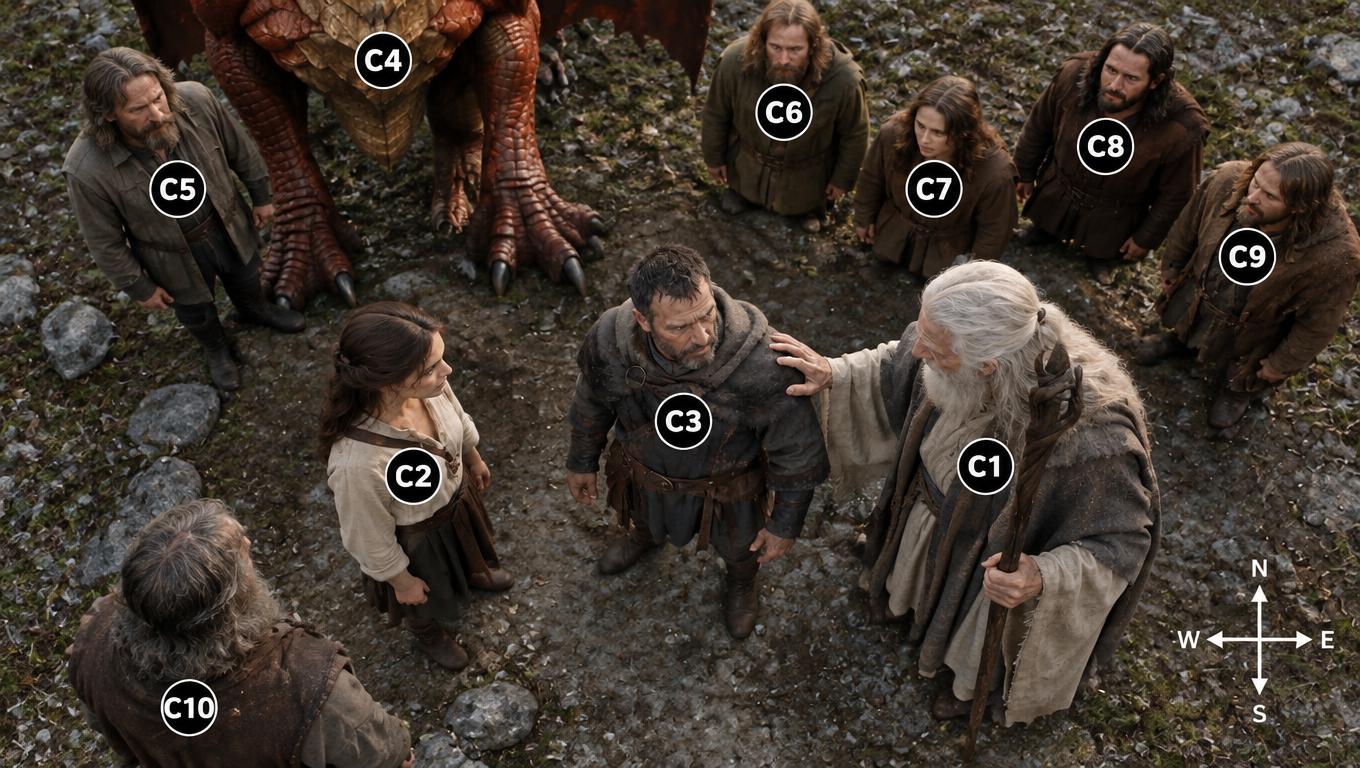
Consistency and Continuity in AI Video
AI video models can now generate impressive cinematic shots, but maintaining visual consistency and narrative continuity across independently‑produced clips remains one of the core challenges for AI filmmaking.
Start an ultra-short vertical episode from a story you already have
Paste episode one, set Vertical drama · shorts, lock the cast, and cut a hook you actually wrote. The next episode can reuse the same library.
Start free in TikFilmer